Browsing & Filtering Talent
The Browse tab is the talent catalog. Use search, quick filters, the filter rail, and sorting to narrow hundreds of vetted profiles down to the ones that fit.
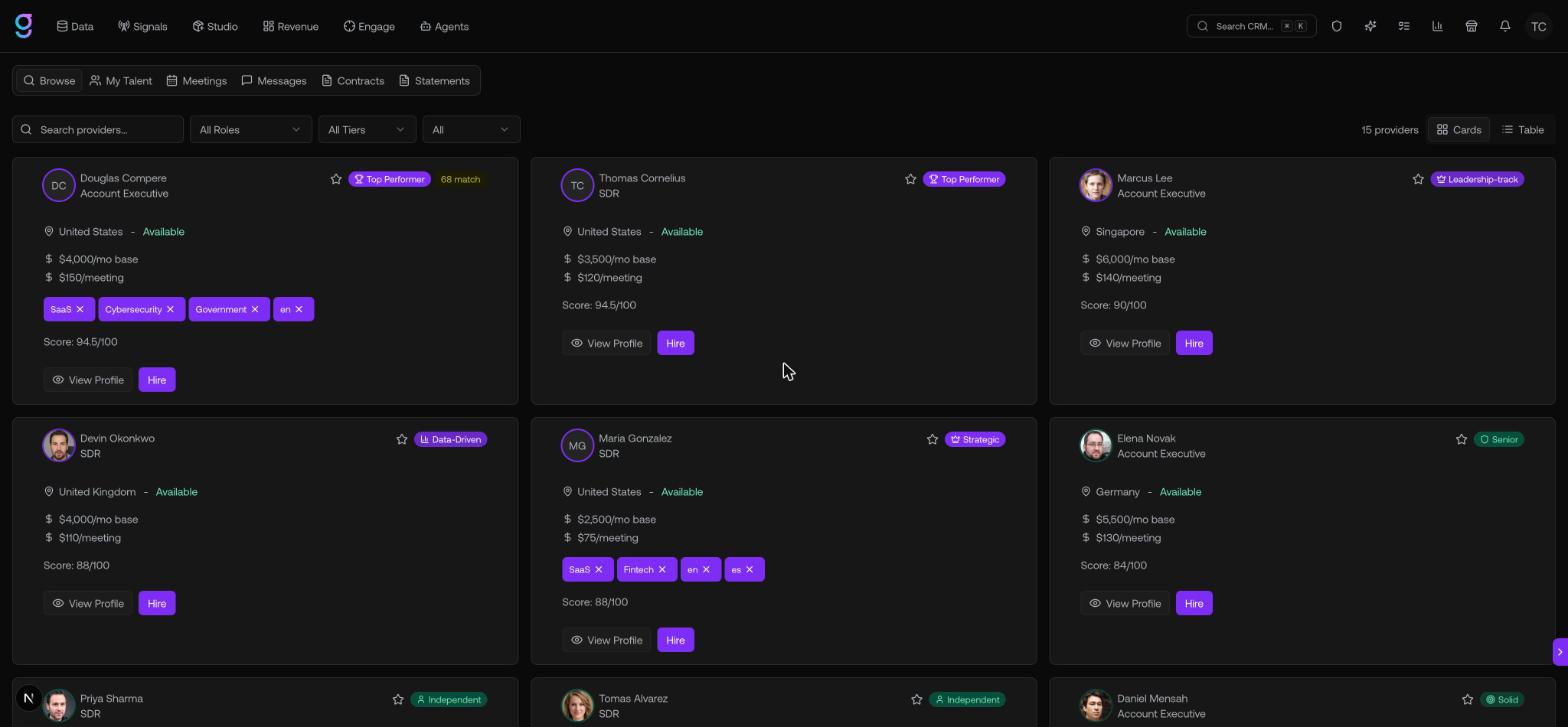
Search and sort
- Search by name, bio, role, tools, or industry from the search bar.
- Sort with the dropdown. Options are Top rated (the default), Most deals closed, Most meetings booked, Lowest monthly rate, Highest monthly rate, Newest, and Lowest rated.
- Switch views between Cards and Table.
Quick filters
One-click chips above the results apply common presets:
Available now · Top tier · Has video intro · Americas · EMEA · APAC · Favorites
The filter rail
For finer control, open the filter rail on the right. Each section narrows the catalog, and applied filters show as chips you can clear individually or all at once.
| Filter | Options |
|---|---|
| Role | SDR · Account Executive · GTM Engineer · Campaign Manager |
| Quality | Certification score range, plus tiers (Strategic, Data-Driven, Top Performer, and more) |
| Availability | Available · Limited · Fully booked, plus a Favorites only toggle |
| Geography | Americas · EMEA · APAC, plus a country filter |
| Rates | Monthly base and Per meeting range sliders |
| Experience | Min meetings booked · Min deals closed · Has video intro · Has LinkedIn |
| Industries / Tools / Languages | Multi-select by industry, tool / CRM, and language |
Save a search
Once you’ve dialed in a useful set of filters, save it to reuse later:
- Apply at least one filter.
- Open the Saved menu and choose Save current view.
- Name the search and click Save.
Your saved searches appear in the same menu — click one to re-apply it instantly.
Favorites
Click the star on any talent card (in Cards or Table view) to favorite a profile. Use the Favorites quick filter or the Favorites only toggle to see just your shortlist.