graph8 for CSM
A field guide for Customer Success Manager. Live URLs, real surfaces. Screenshots captured from a showcase tenant with public-company data only.
The five things to use today
01. Your book of business — Customers, Trials, Churned
The Revenue dropdown is the CSM nav. The full lifecycle is here: Customers (active paying) → Trials (about to pay) → Churned (already lost). Open it every morning sorted by MRR descending.
Open it at
app.graph8.com/deals/l/customers— paying customers (active book of business)/deals/l/trials— companies trialing (your conversion pipeline)/deals/l/churned— ex-customers (post-mortem + win-back candidates)- Revenue dropdown in top nav also has: Suspects · Leads · Products · Quotes · Deals · Leaderboard · My Desk
Live today: your paying customers sorted by MRR. Top of the book: a paying customer $8.9K · your account $4.0K · a paying customer $2.5K (past_due) · a paying customer $2.5K · a paying customer $2.5K · a paying customer $2.5K · a paying customer $2.5K · a paying customer $2.4K · a paying customer $1.5K · a paying customer $499 (past_due).
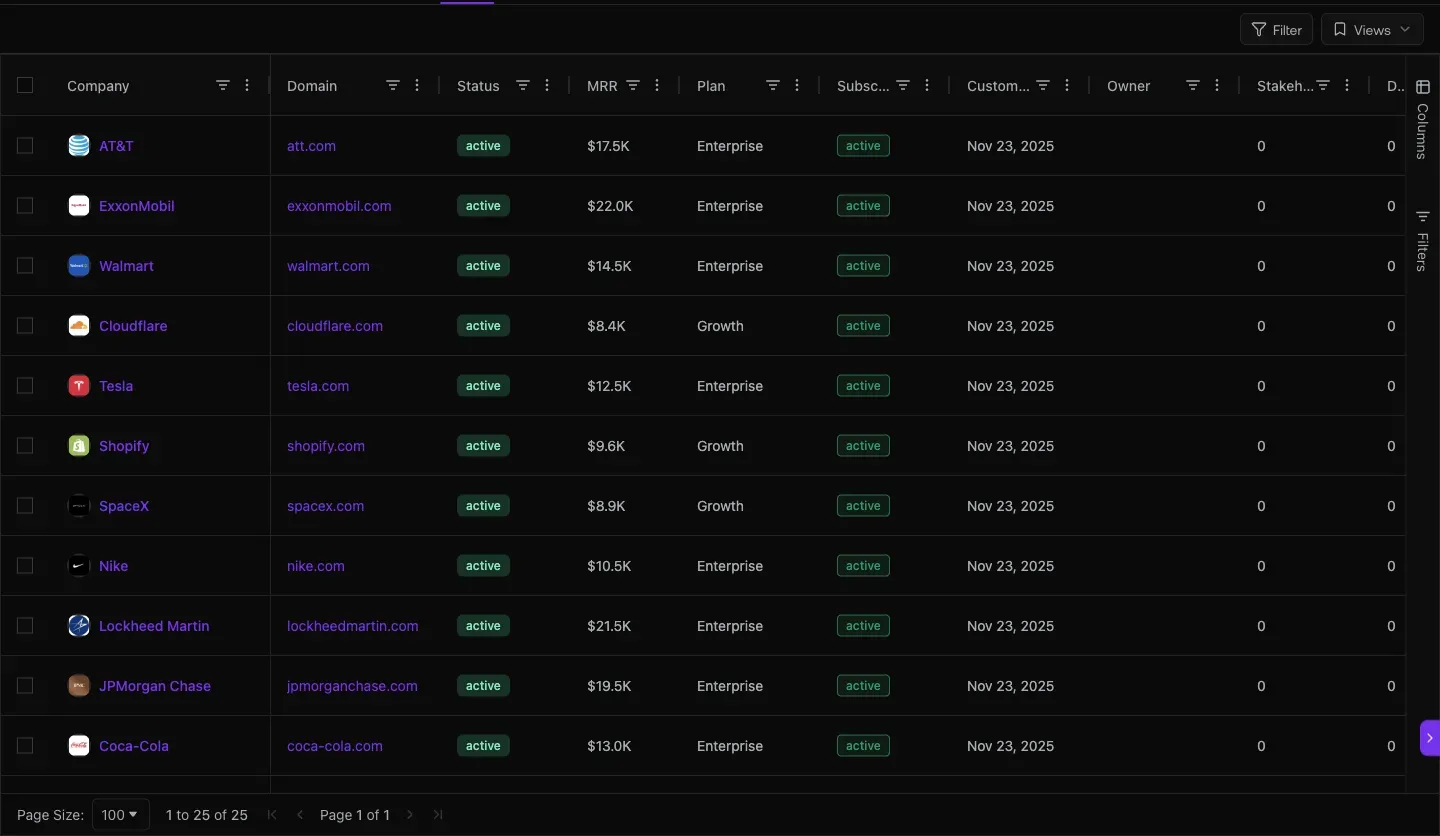
Fig 1.1 — /deals/l/customers. Columns: Company · Domain · Status · MRR · Plan · Subscription · Customer Since · Owner · Stakeholders · Deals · Deal value. Sort MRR desc and your top 10 accounts is your morning call-list.
02. Catch churn risk before it lands — Past_due filter
Subscription status filter slices the book to past_due only. Today: 7 of your customers (17%) are past_due — that’s your “call before they cancel” list.
Open it at
/deals/l/customers→ filter Subscription = past_due
Past_due customers live today (verified): a paying customer $2.5K · a paying customer $2.5K · a paying customer $2.0K · a paying customer $2.0K · a paying customer $2.0K · a paying customer $2.0K · a paying customer $499. That’s $13.5K of recurring revenue at immediate risk.
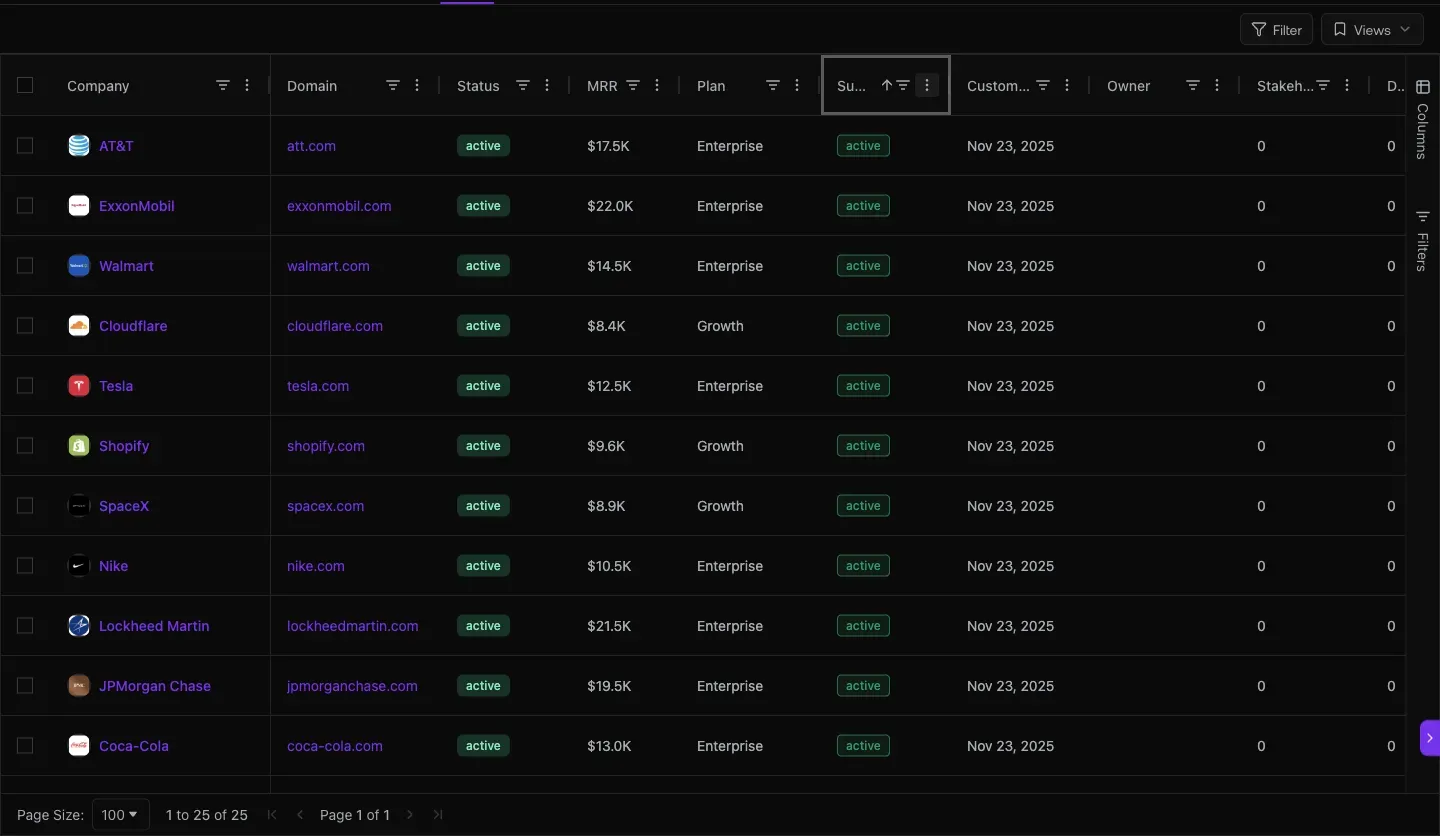
Fig 2.1 — Past_due filter applied. 7 of your customers in failed-payment state.
03. The customer detail page — Health, Risk Signals, Expansion Levers
Every customer record has an opinionated Health view: MRR/ARR up top, a Critical/Warning/Healthy score, automatic risk signals, expansion levers based on usage. This is the CSM killer feature.
Open it at
- Click any customer in
/deals/l/customers→ lands on the detail page - Tabs: Overview · Data · Notes · Tasks · Deal Room · Activity · Contacts · Sites Visited · Jobs · Next Steps

Fig 3.1 — your account customer detail (live). The right rail is the CSM’s panic-button: a Critical health badge + Risk + Expansion grid.
live example — your account, captured 2026-05-20 MRR · ARR$4,000 · $48,000 PlanGTM POD Tenure1 month Customer HealthCritical · Score 0 Engagement counters0 / 0 / 0 / 0 / 0 Risk signal”No meeting on record” Expansion lever”Credits exhausted: 0” Contacts on file2 (BytePlus Pte. Ltd., a contact)
The Health card auto-generates: Critical when engagement counters are 0 + no recent meeting, Healthy when sequence-reply + meeting cadence is normal, Warning in between. Risk signals + expansion levers are evidence-backed — you don’t have to interpret a number, the system says “Schedule a meeting, this customer has no QBR on record.”
04. Bird’s-eye view — Account Health Comparison + Cross-Account Drift
When you don’t have time to open 41 customer detail pages, the reports surface gives you a single view of which accounts are drifting + which are healthy.
Open it at
app.graph8.com/reports→ Account Health Comparison/reports?report=a15→ Idle / Stalled (sister report under Cross-Account Drift)/analytics/acquisition→ channel breakdown for the marketing site (where your customers came from)
The Account Health Comparison shows your workspaces · your reply rate. 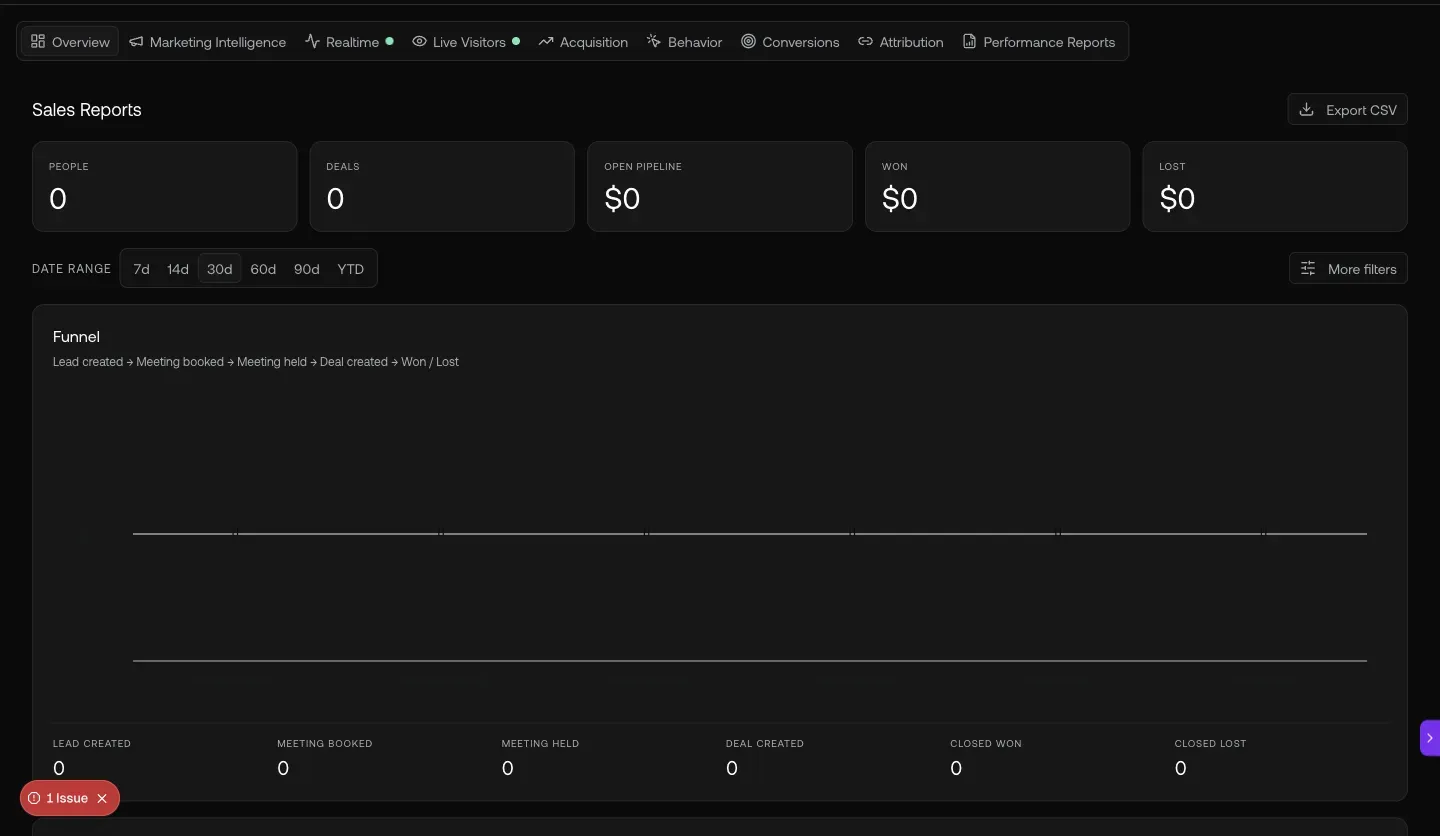
Fig 4.1 — /reports Account Health Comparison. Per-workspace outbound volume — a customer doing low volume is either underutilizing graph8 (churn risk) or doing inbound-only (different story).
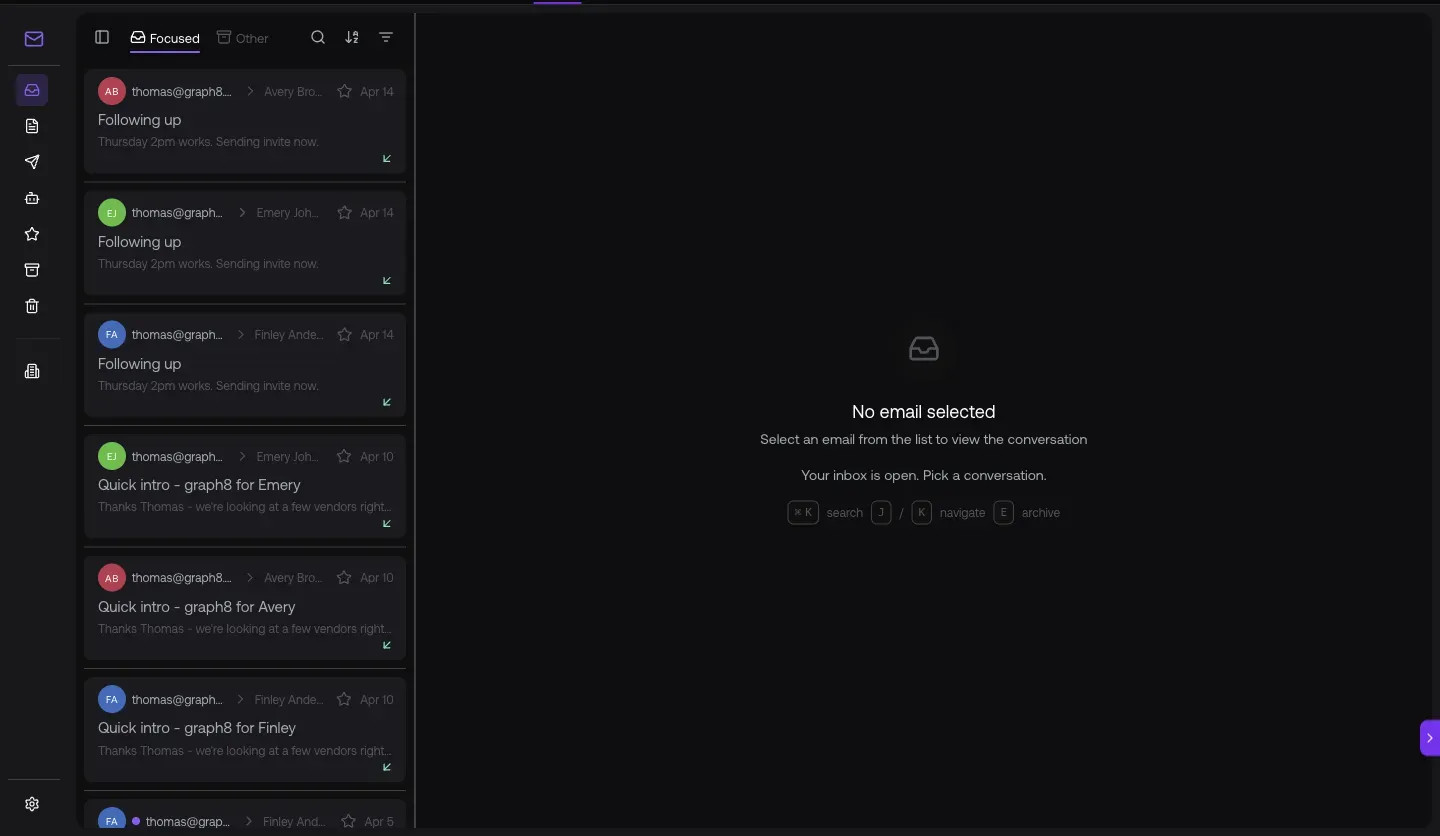
Fig 4.2 — /analytics/acquisition last 30 days. your monthly users · your monthly sessions · your engagement rate. Useful CSM context: when a customer asks “how do I get more inbound?”, point at this and the answer is “Direct (brand) + Organic Search.”
05. The CSM toolkit — Visitors · Inbox · Copilot · Support Agent
Four shared surfaces that all four roles use, with CSM-specific framing: which customers are on the site right now, what did they reply, what does the copilot know, and the dedicated Graph8 Support Agent.
Open it at
/visitors?tab=companies— site visitors (no native “is-customer” filter yet)/inbox/email— replies + sentiment (no native “from-customer” filter yet)- Copilot sparkle icon top-right — natural-language queries
/agents— Graph8 Support Agent (CSM role, shipped)

Fig 5.1 — Visitors. the identified companies on the site — but no filter to slice to “existing customers only.” Manually scan for customer domains (e.g. a paying customer.com, a paying customer.com) — those are the highest-priority churn signals to act on.
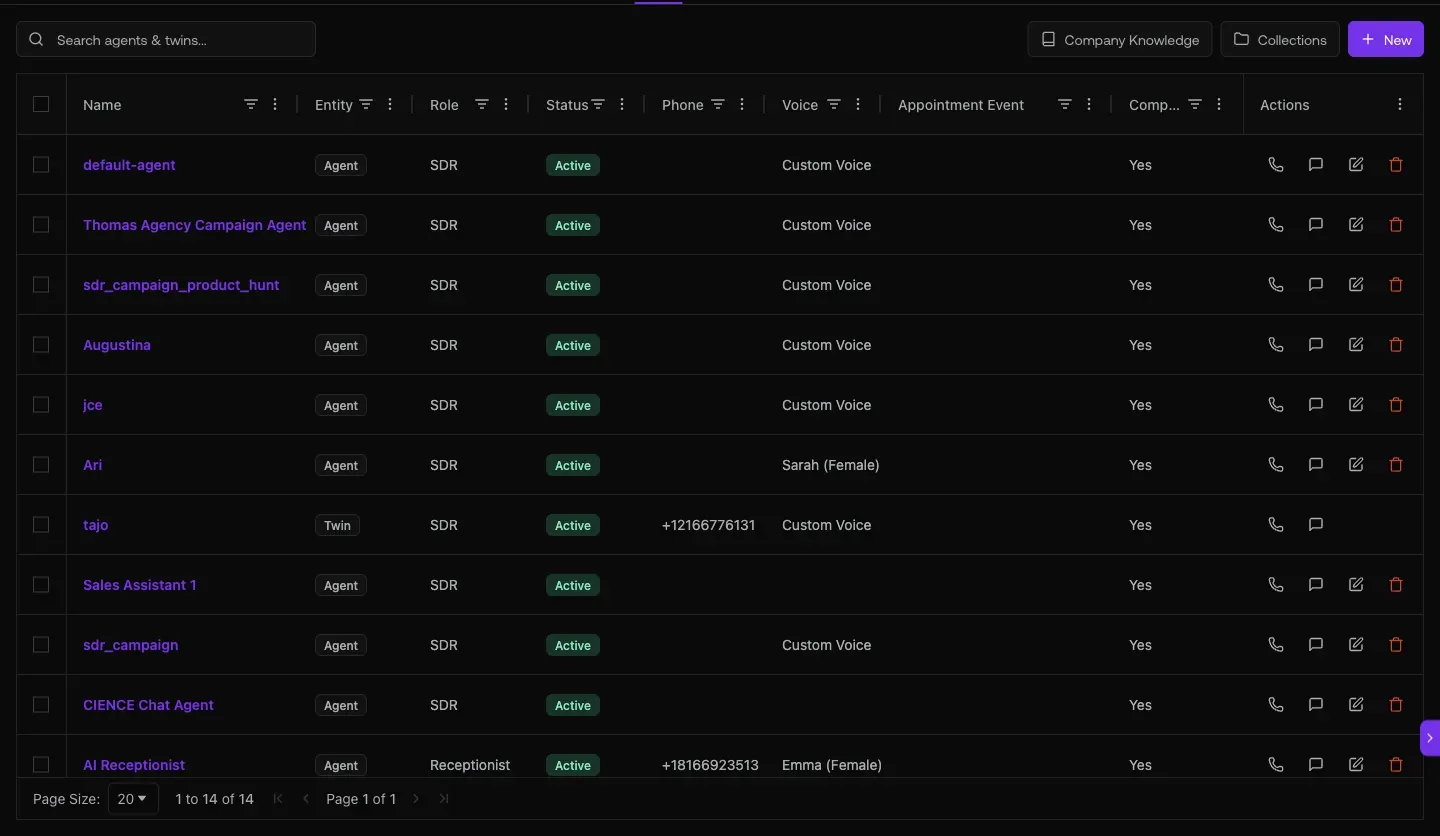
Fig 5.3 — Copilot exchange (live). Honest result: “I don’t have a tool to query subscription billing data.” Suggests Stripe/Chargebee/CRM as workaround. Use the past_due filter from use case 2 instead — it’s faster and authoritative.
Fig 5.4 — /agents. 8 agents total — Graph8 Support Agent (CSM, Active) handles customer-support inbound. SDR + AE + Twin agents handle the upstream funnel.
URL cheat-sheet
| To do this | Go here |
|---|---|
| See paying customers (book of business) | /deals/l/customers |
| Filter to past_due risk | /deals/l/customers · Subscription filter |
| See trial accounts | /deals/l/trials |
| See churned customers | /deals/l/churned |
| Customer detail w/ Health + Risk + Expansion | Click any customer row |
| Account Health Comparison report | /reports |
| Idle / Stalled accounts (Cross-Account Drift) | /reports?report=a15 |
| Site visitors | /visitors?tab=companies |
| AI Inbox (search by customer domain) | /inbox/email |
| Graph8 Support Agent | /agents |
| Acquisition channel breakdown | /analytics/acquisition |
| Open Copilot anywhere | Sparkle · top-right |
| Search the CRM | Cmd-K |
Heads-up — known CSM gaps to work around
Generated 2026-05-20 against
app.graph8.com (org your org). Surface state verified live before publication