graph8 for Sales Engineer
A field guide for Sales Engineer. Live URLs, real surfaces. Screenshots captured from a showcase tenant with public-company data only.
The five demo arcs
01. The AE-buyer demo — Deal Intelligence sidebar
“Open a deal. Look at this sidebar. graph8 auto-generated Deal Risks, Next Steps, Close Plan, ROI Analysis, Competitive Analysis — without the rep typing a word.” Drop the mic.
Show this
app.graph8.com/deals/pipeline→ click any deal- Left rail: DEAL INTELLIGENCE (Strategy + Analysis stacks, 5/5 generated)
- Top: Deal Progress + Stage Readiness gauge + “Suggest next step” button
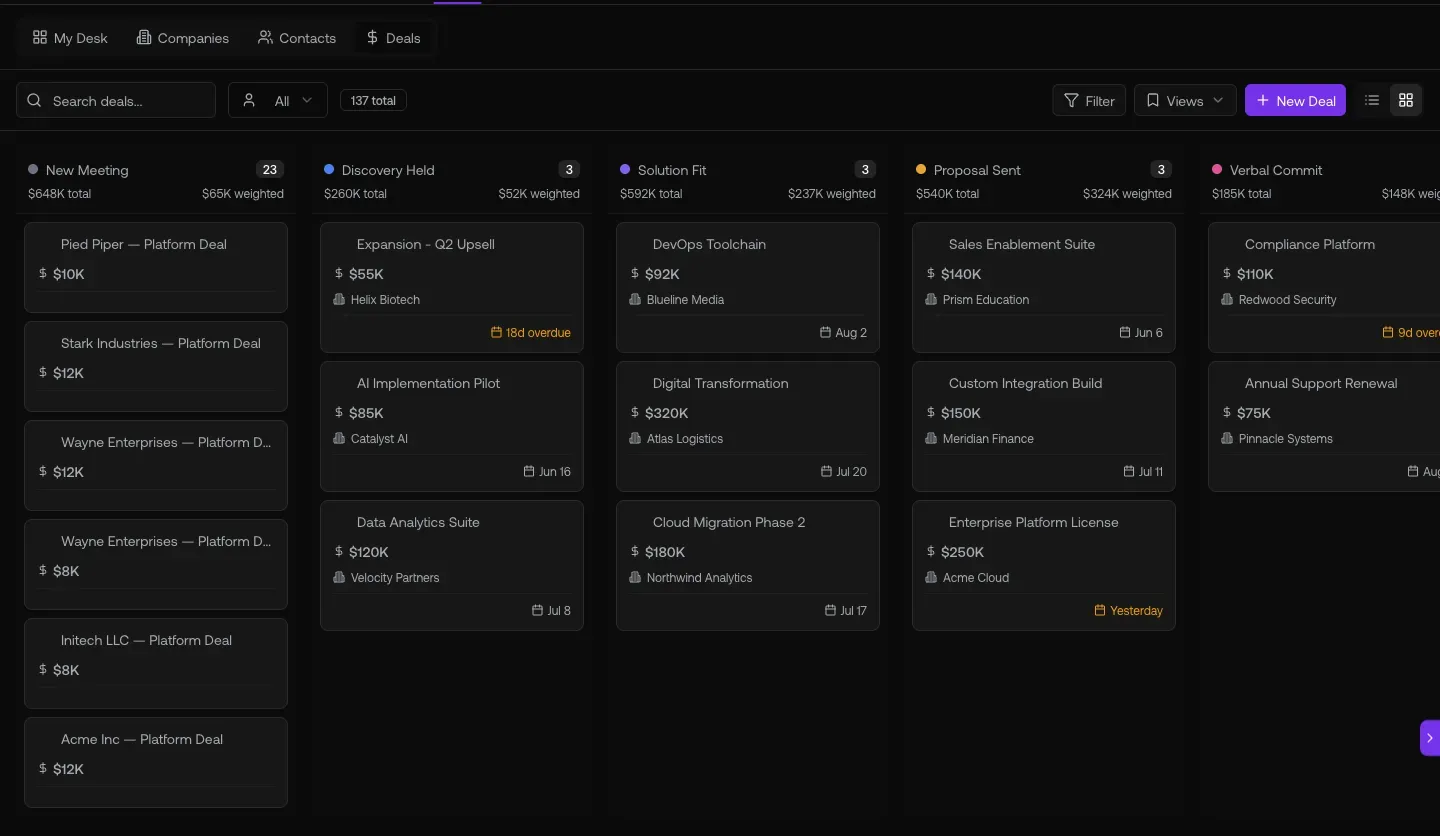
Fig 1.1 — a sample deal. Sidebar: Strategy (Deal Risks · Next Steps · Close Plan) + Analysis (ROI · Competitive) — all auto-generated. Stage Readiness 100%. “Suggest next step” button. This is your AE-objection demolisher: “How is this different from SFDC?” — answer this slide.
02. The “does this work with our CRM” demo — Integrations + Fields
5 connectors live (HubSpot · Salesforce · Zoho · SugarCRM · Stripe). Each has Push/Pull/Fields/Appointments sub-tabs with per-record-type field mapping. Auto Fill vs Overwrite per row.
Show this
/studio/settings?tab=integrations— connector grid- Click HubSpot (or whichever the buyer uses) → drill into Fields tab
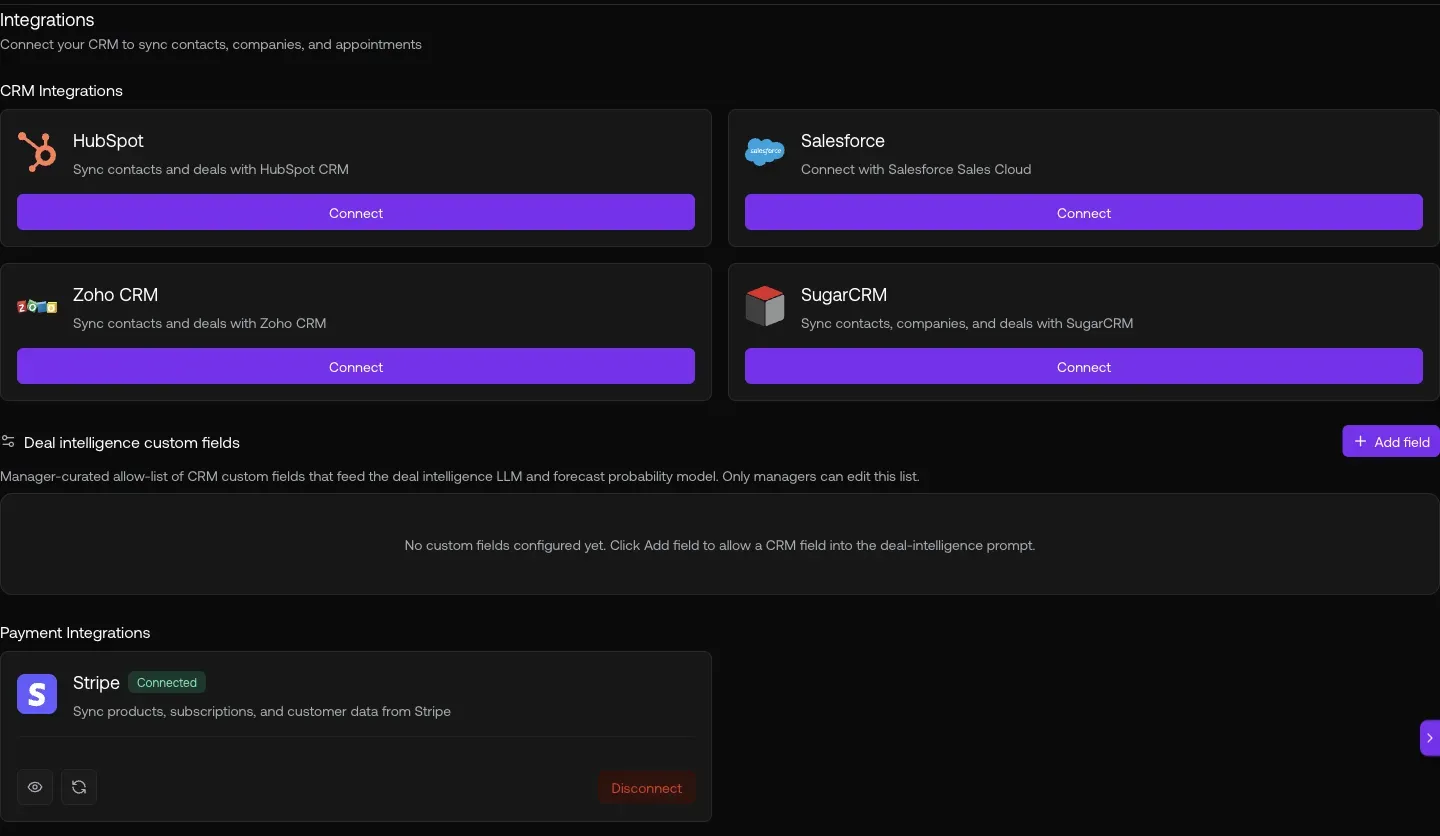
Fig 2.1 — Integrations grid. HubSpot Connected · Salesforce · Zoho · SugarCRM · Stripe Connected. Click gear → Push / Pull / Fields / Appointments sub-tabs.
03. The technical-buyer demo — Connections, Functions, Snippet
Jitsu-style event pipeline. Streams (sources) → Functions (JS transforms) → Destinations (warehouses, CRMs, ad pixels). Plus the web snippet drops in one line.
Show this
/connections/list— source → destination routing table/connections/functions— JavaScript event-transform code editor/connections/streams?tab=setup— web tracking snippet install
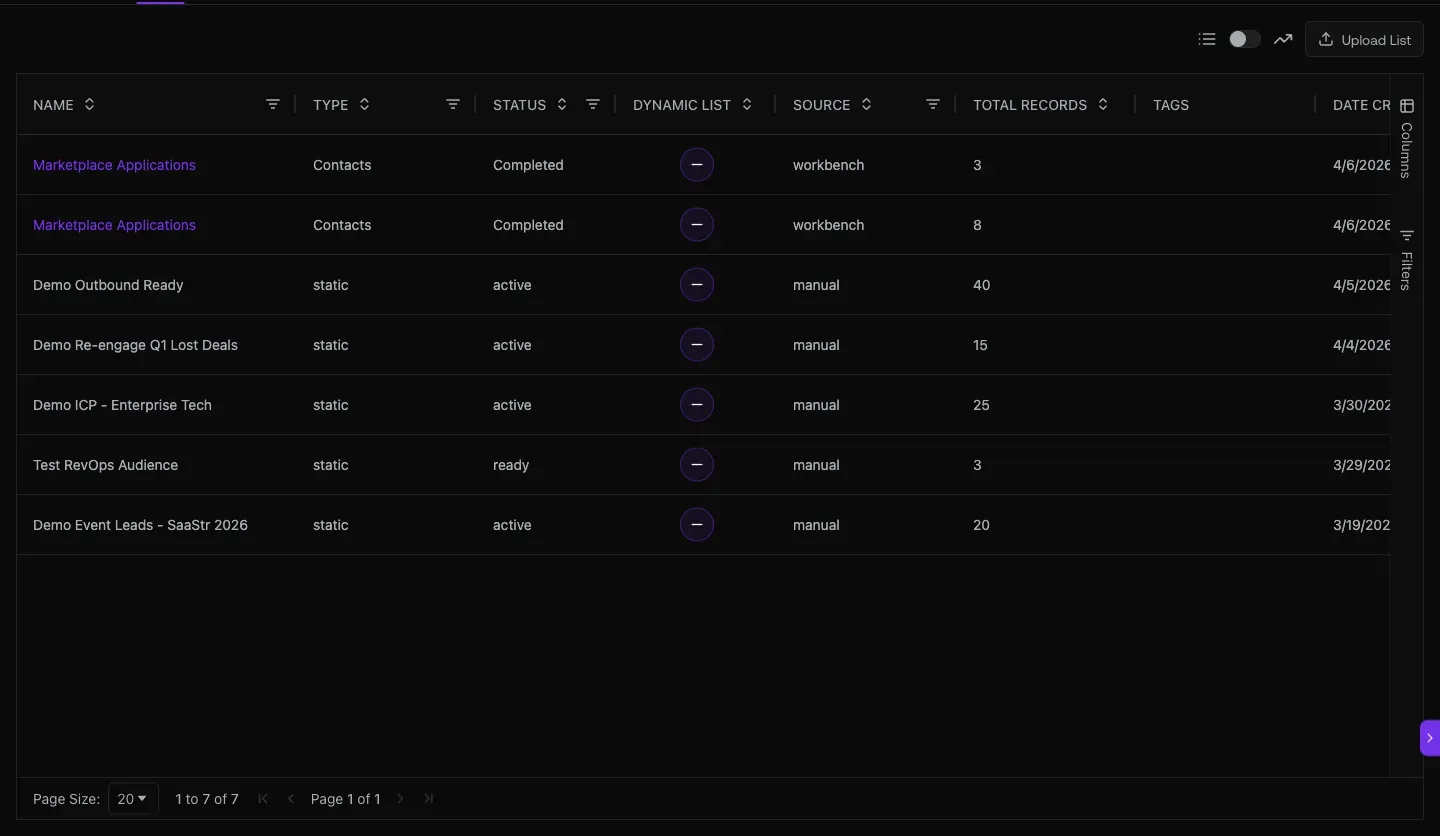
Fig 3.1 — /connections/list. Each row is a source → (optional Function transform) → destination edge. Shipped destinations include Form Sync Trigger, Campaign Visitor Trigger, Warehouse, OpenReplay, Meta CAPI, LinkedIn Tag.
Fig 3.2 — /connections/functions. Real JS code editor: export default async function(event, {log}) with Test Env Vars + Sample Event payload + Run button. SEs love this — “you can write your own enrichment without filing a ticket.”
Fig 3.3 — /connections/streams?tab=setup. One <script> tag: <script async src="https://events.flow.graph8.com/p.js" data-write-key="...">. Drop in <head>, get pageviews + form submits + custom events flowing in seconds.
04. The dev-tools demo — API keys + MCP + CLI
80+ tools exposed over MCP. Two modes: Remote (hosted, OAuth) for Claude Desktop / Cursor / Windsurf, or Local (stdio, API key) for dev. Plus regular REST API keys + Webhooks.
Show this
/studio/settings→ API, MCP & CLI sub-tab- Remote MCP:
https://be.graph8.com/mcp/(Cursor / Claude Code / Windsurf compatible) - Local mode:
g8-mcp-serverstdio +G8_API_KEY+G8_MCP_MODE=dev
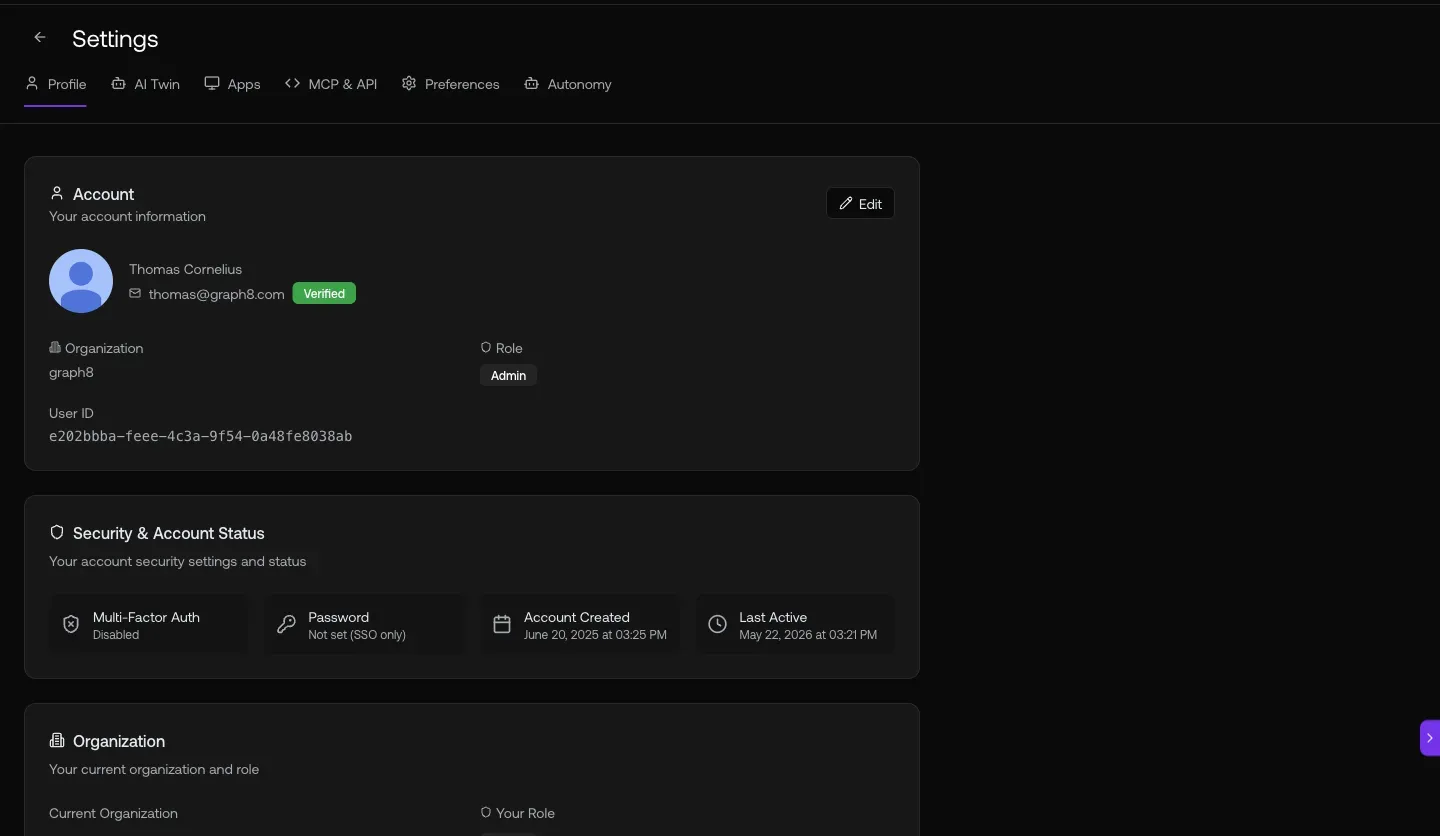
Fig 4.1 — MCP & CLI config. Remote mode (hosted): add the url to your client’s MCP config (.cursor/mcp.json, ~/.claude/mcp.json) — or, in Claude Desktop / Claude.ai, add it as a custom connector — then OAuth in and get all 80+ tools. Local mode (dev): stdio binary with API key for laptop-side automation.
Fig 4.2 — API keys for REST access + Webhooks for inbound events. Per-user keys with revocation + expiry.
Tool discovery (heads-up for dev-buyers using MCP)
// Only ~30 tools in the default tools/list — rest are loaded on demand g8_tool_search(query=“workflow”) // workflow / automation g8_tool_search(query=“dialer”) // voice / phone / dialer g8_tool_search(query=“intent”) // buyer intent / signals / keywords g8_tool_search(query=“skill”) // LLM skill authoring g8_tool_search(query=“field”) // custom fields / properties g8_tool_search(query=“form”) // forms / responses g8_tool_search(query=“snippet”) // web tracking g8_tool_search(query=“playbook”) // multi-step playbooks
05. The marketing/CRO demo — Ads wizard, Copilot, channel intel
When the buyer is marketing-focused, switch arcs. Show the 6-step ad wizard (Meta · LinkedIn · Google · X), the copilot answering rich questions about the product, and the channel-attribution dashboard.
Show this
/ads→ Create Campaign wizard- Copilot sparkle top-right — ask broad capability questions
/analytics/acquisition— channel + source/medium breakdown
Fig 5.2 — Copilot: “Show me everything you can do for an account executive.” Returns categorized capability map (Pipeline & Deals · Account Intelligence · Research & Prospecting · Activity Tracking). Great for buyers who don’t know what to ask.
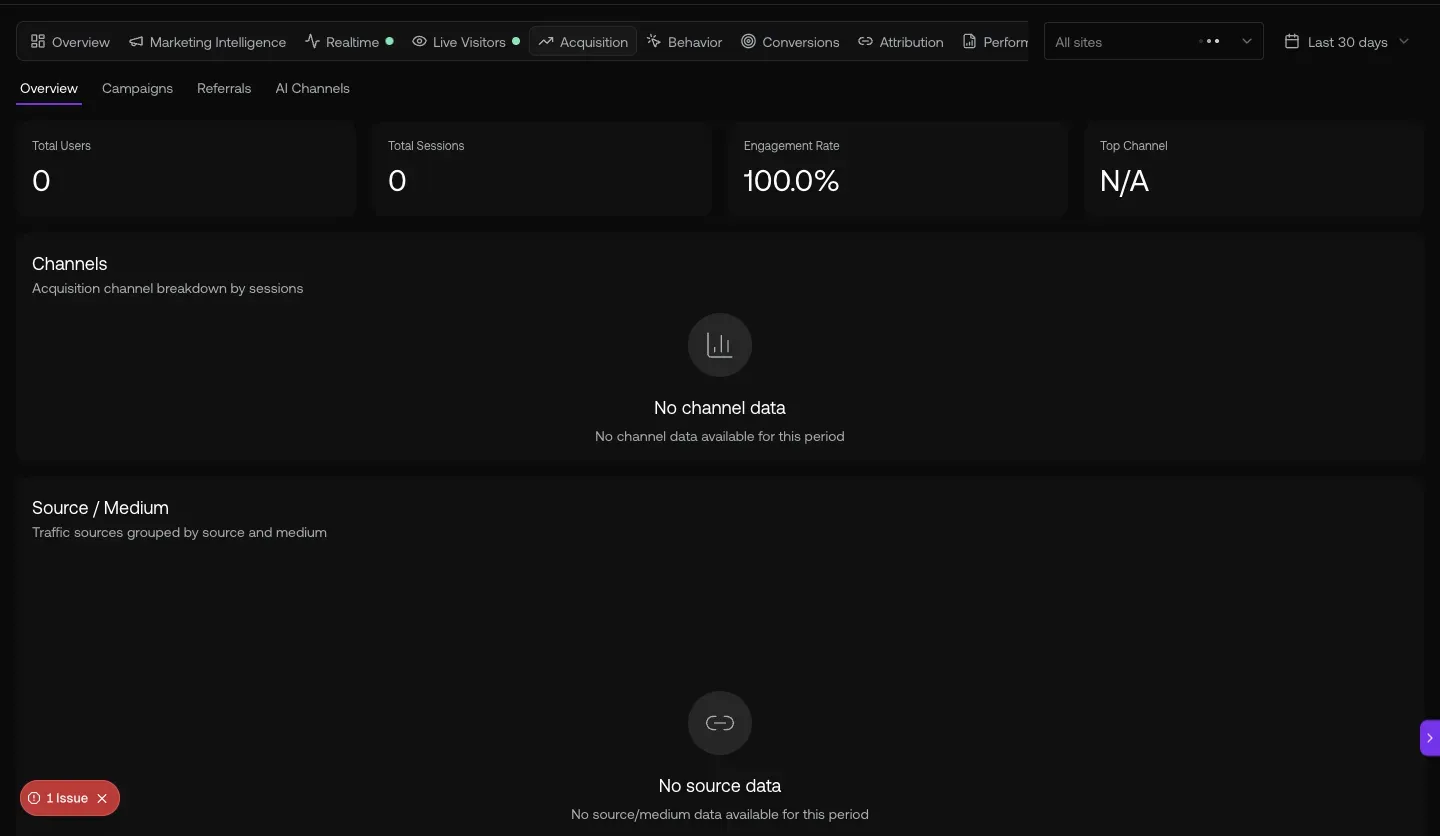
Fig 5.3 — /analytics/acquisition. 81.1K users · 84.3K sessions · your engagement rate. CRO-buyer demo: shows the full marketing site analytics, channel mix, and bounce rates — graph8 sees attribution end-to-end.
SE cheat-sheet — demo URLs by buyer persona
| Buyer persona | Start the demo here |
|---|---|
| AE / Sales Manager | /deals/pipeline → open a deal |
| SDR / SDR Manager | /sequencer + /reports |
| CSM | /deals/l/customers + customer detail Health card |
| RevOps / SalesOps | /studio/settings Revenue → Pipelines + /admin |
| GTM Engineer / Developer | /connections/functions + /studio/settings API/MCP/CLI |
| Marketing / Demand Gen | /analytics/marketing + /studio?mode=campaign |
| CRO / Founder | /analytics overview + /deals/l/customers + Copilot |
| Finance | /admin Customers (715 records, Stripe IDs) + LLM Charges |
| Content Marketer | /studio?mode=global (45 docs) + Landing Pages |
| Campaign Manager | /studio?mode=campaign → open campaign (17 docs) |
Heads-up — known SE-demo gaps
Generated 2026-05-20 against
app.graph8.com (org your org). Surface state verified live before publication