Getting Paid
You bill for your work from the Invoices tab and receive your earnings through the Payouts tab.
Submitting statements
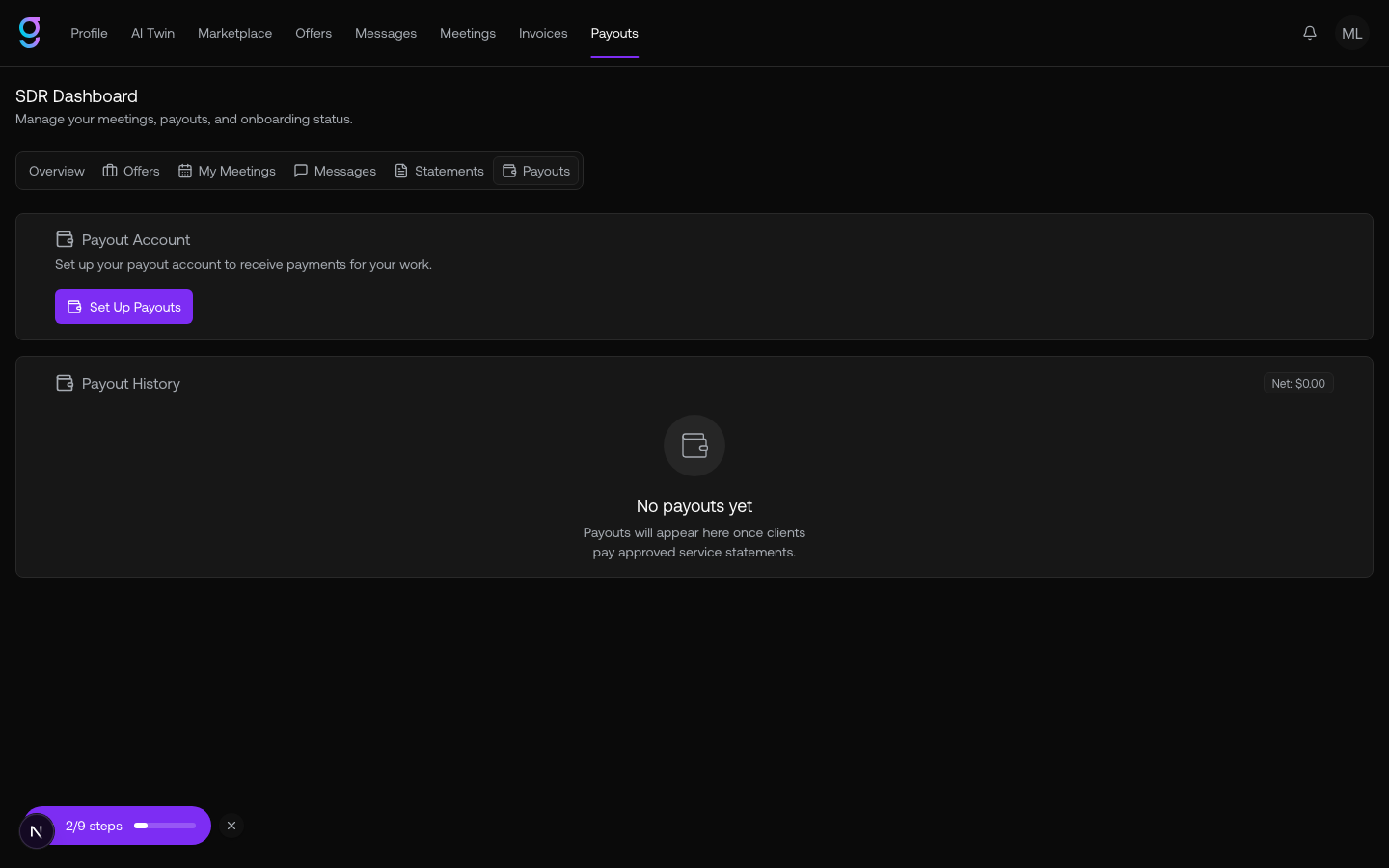
For each engagement you submit a service statement covering a period of work. A statement includes the engagement, the period start and end, an amount, and a summary, and moves through these statuses:
| Status | Meaning |
|---|---|
| Draft | Not submitted yet |
| Submitted | Sent to the client for review |
| Approved | The client approved it for payment |
| Rejected | The client declined it (with a reason) |
| Changes Requested | The client asked you to revise it |
| Expired | It lapsed without action |
Setting up payouts
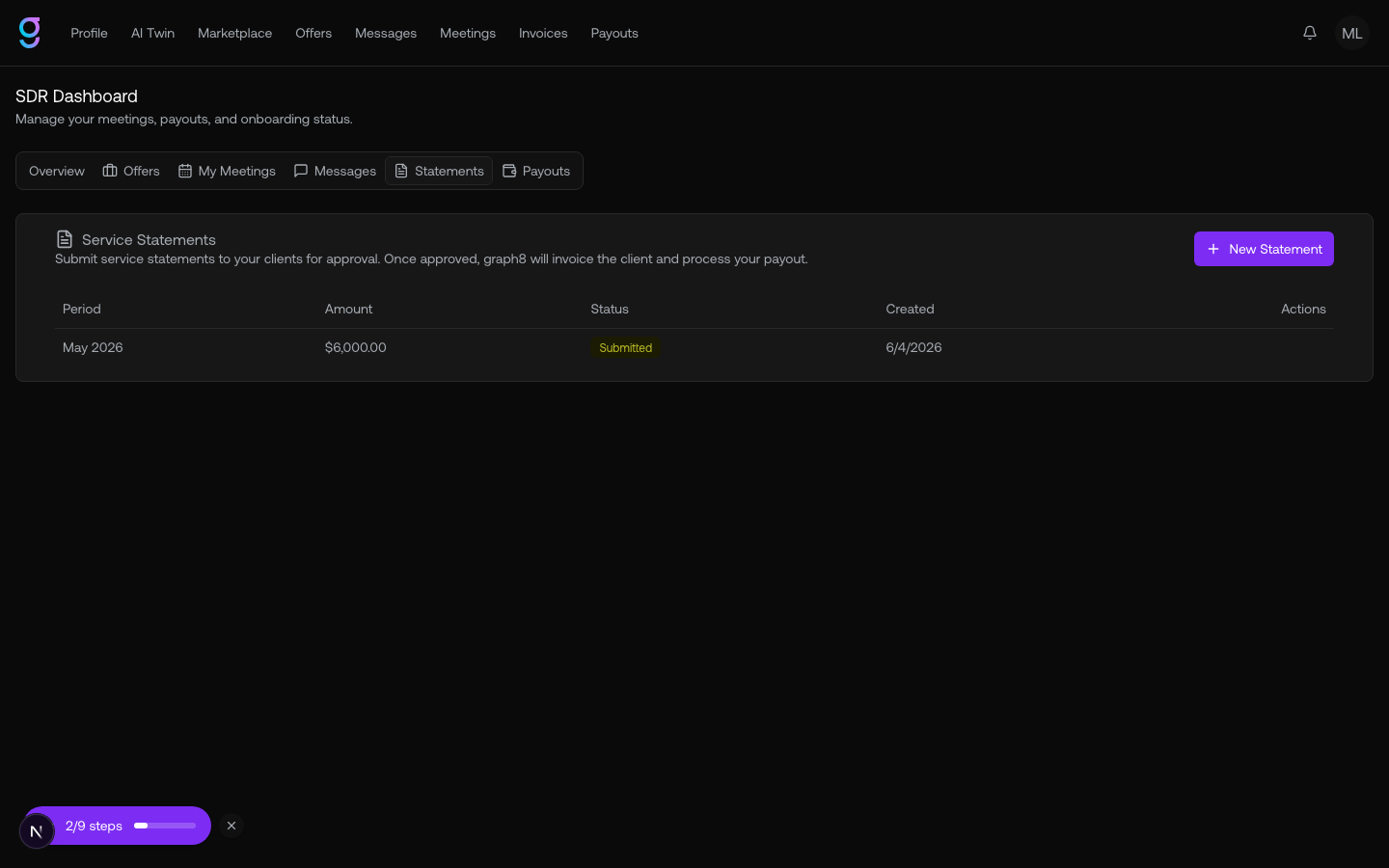
The Payouts tab is where you configure how you get paid and track what you’ve earned. Set up a payout account, then watch your payout history and net balance.
Your payout method depends on your country:
- Stripe Connect Express — most major markets
- Stripe Cross-Border — select additional countries
- Wise — broad coverage for everywhere else
Your payout history lists each payout or chargeback with its date, type, amount, and status (pending, processing, paid, or failed).