Getting Paid
Esta página aún no está disponible en tu idioma.
You bill for your work from the Invoices tab and receive your earnings through the Payouts tab.
Submitting statements
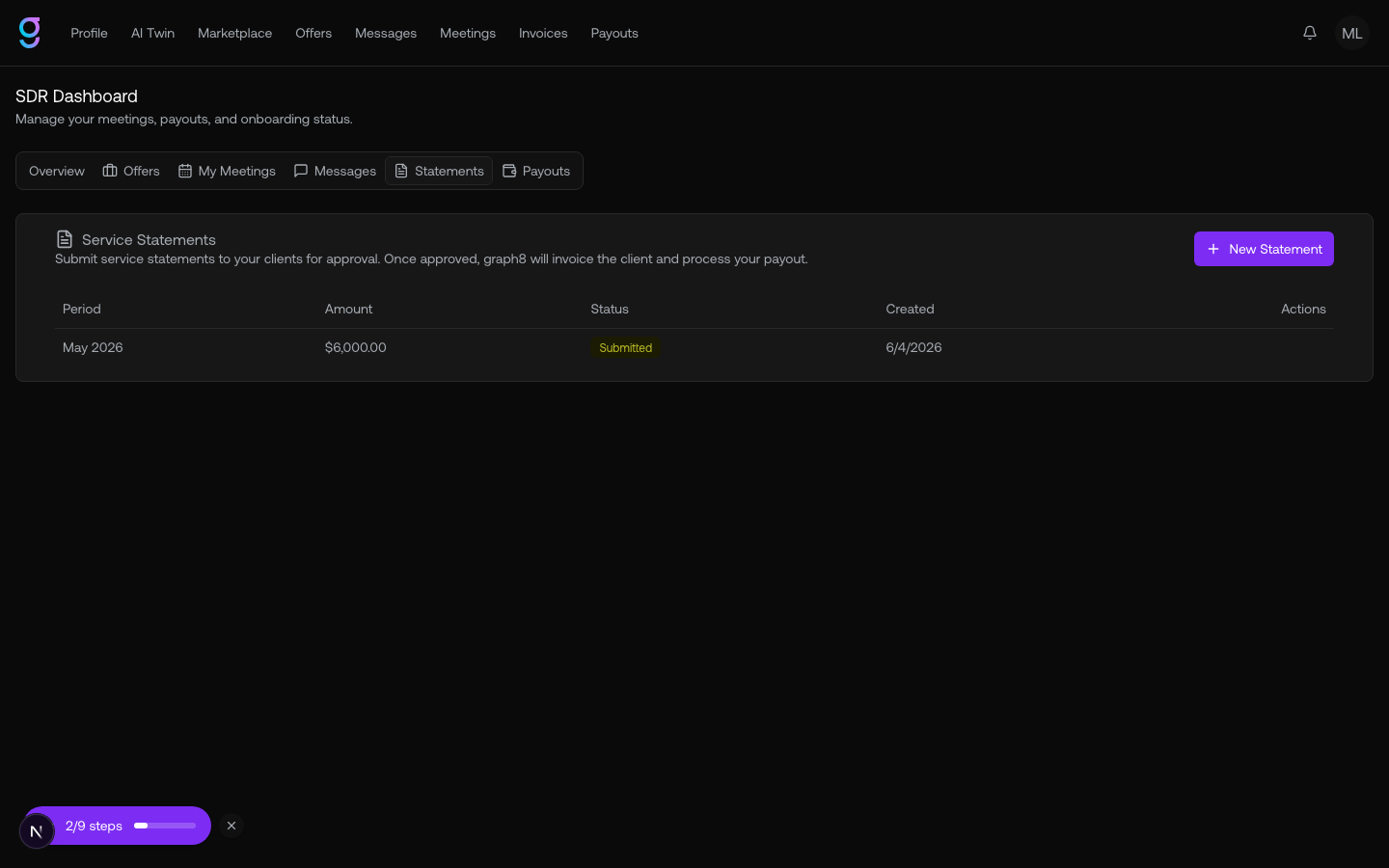
For each engagement you submit a service statement covering a period of work. A statement includes the engagement, the period start and end, an amount, and a summary, and moves through these statuses:
| Status | Meaning |
|---|---|
| Draft | Not submitted yet |
| Submitted | Sent to the client for review |
| Approved | The client approved it for payment |
| Rejected | The client declined it (with a reason) |
| Changes Requested | The client asked you to revise it |
| Expired | It lapsed without action |
Setting up payouts
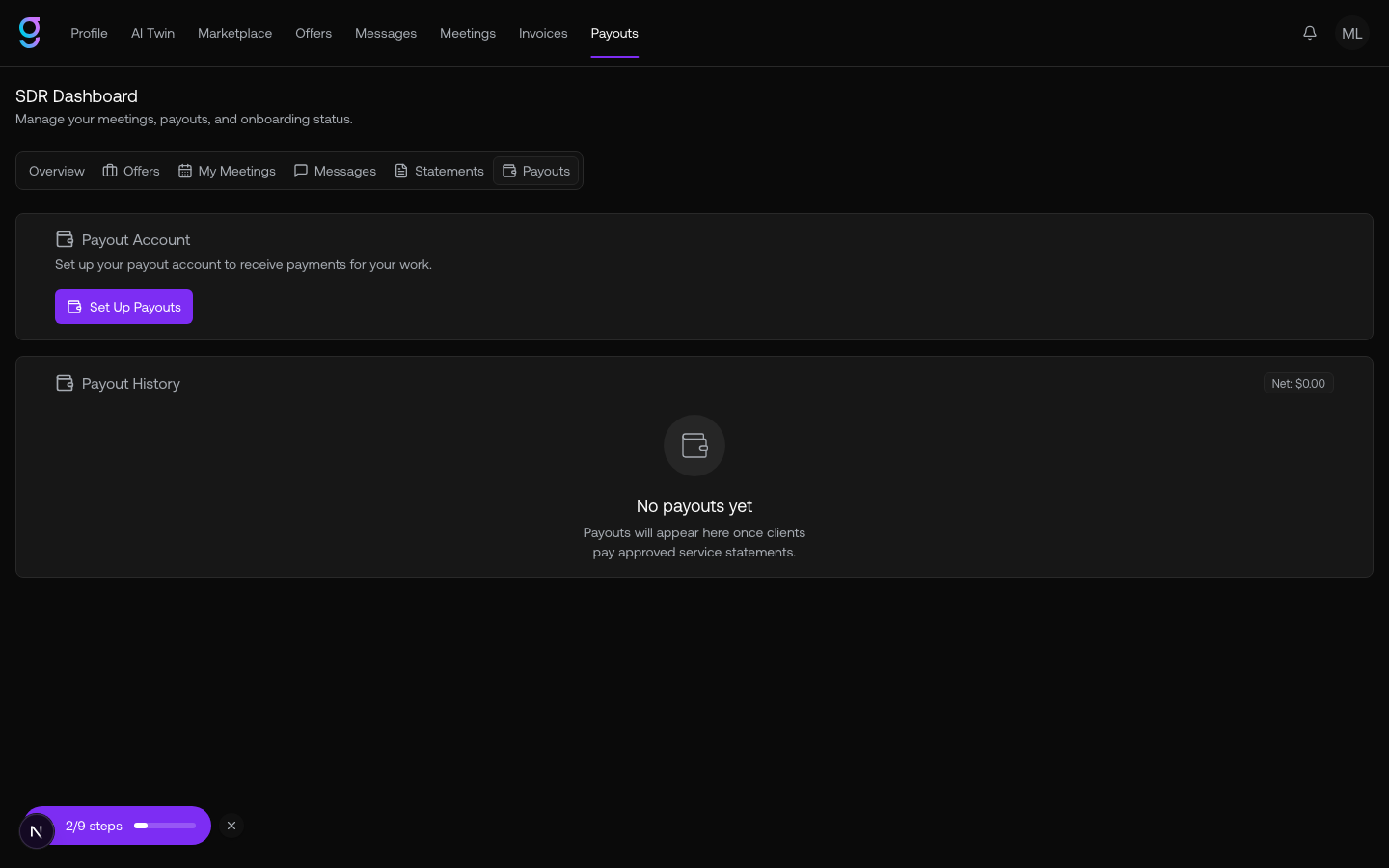
The Payouts tab is where you configure how you get paid and track what you’ve earned. Set up a payout account, then watch your payout history and net balance.
Your payout method depends on your country:
- Stripe Connect Express — most major markets
- Stripe Cross-Border — select additional countries
- Wise — broad coverage for everywhere else
Your payout history lists each payout or chargeback with its date, type, amount, and status (pending, processing, paid, or failed).