Receiving & Accepting Offers
Esta página aún no está disponible en tu idioma.
When a client sends you a hire offer, it lands in your Offers tab. Until you have one, the tab shows “No offers yet — when a client sends you a hire offer, it will appear here.”
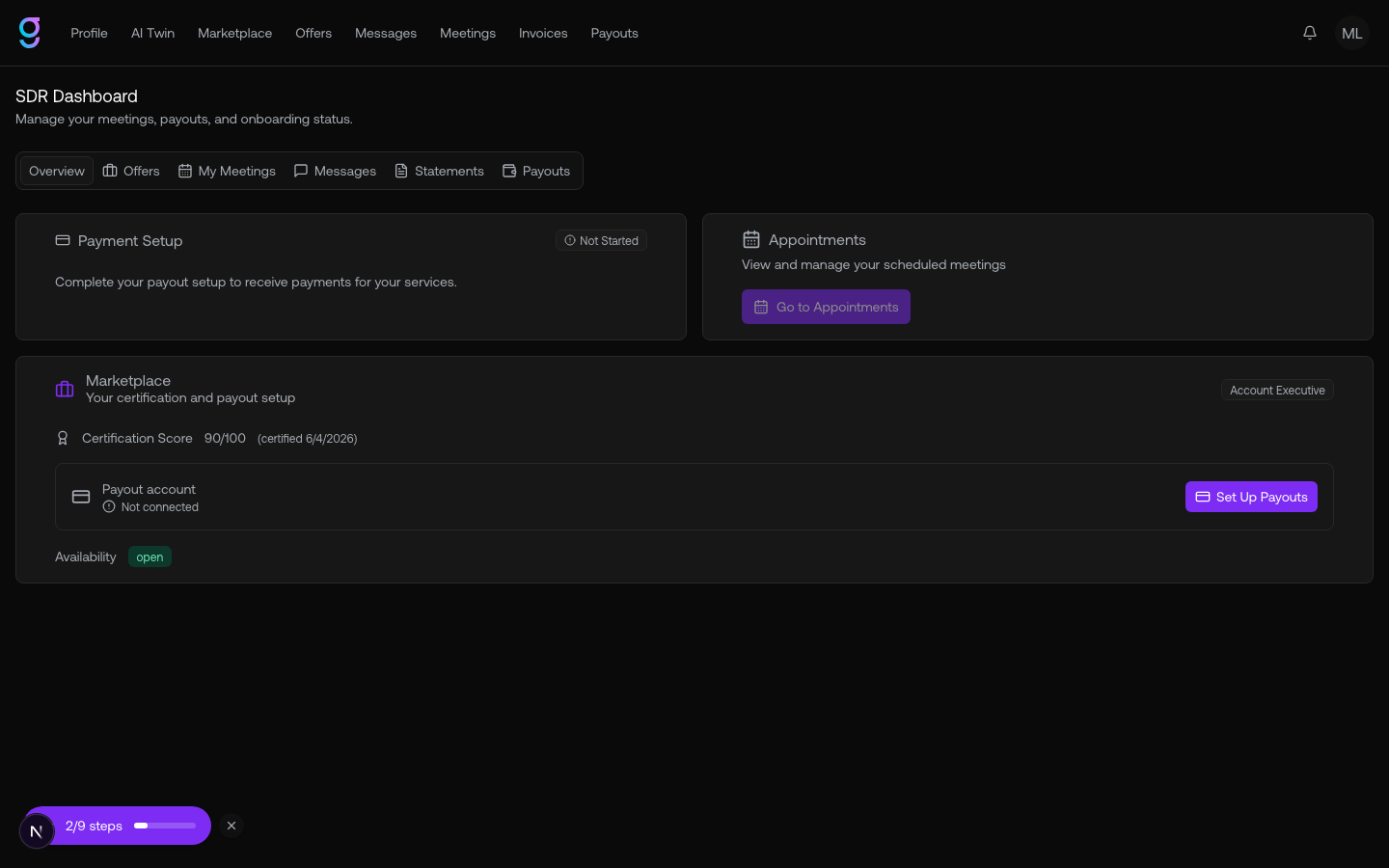
Reviewing an offer
Each offer shows the key terms:
| Field | What it shows |
|---|---|
| Client | The hiring organization |
| Order number | The order reference (e.g. #123) |
| Status | Pending acceptance, active, rejected, or terminated |
| Monthly rate | The monthly base rate offered |
| Per-meeting rate | The per-meeting rate offered |
| Start date | When the engagement would begin |
Accepting or declining
For a pending offer you can:
- View Order Form — open the full order form to review the terms.
- Accept — accept the offer and start the engagement.
- Decline — turn the offer down.
Accepting confirms your marketplace profile for that engagement and the contract becomes active on the client’s side.