graph8 for SDR
Esta página aún no está disponible en tu idioma.
A field guide for SDR. Live URLs, real surfaces. Screenshots captured from a showcase tenant with public-company data only.
The five things to use today
01. Find prospects — Contacts + Lists
2.3 million contacts in the directory, filterable. 264 lists already built. Start here every morning.
Open it at
app.graph8.com/contacts— full contact directory with filtersapp.graph8.com/lists— saved lists / dynamic audiences
The Contacts directory shows 2,310,898 prospects with columns: Name · Job Title · Company · Website · Owner · Source · Intent Keywords · Visits · Domain. Filter / Add / Views toolbar up top. Save anything interesting to a list so you can sequence it.
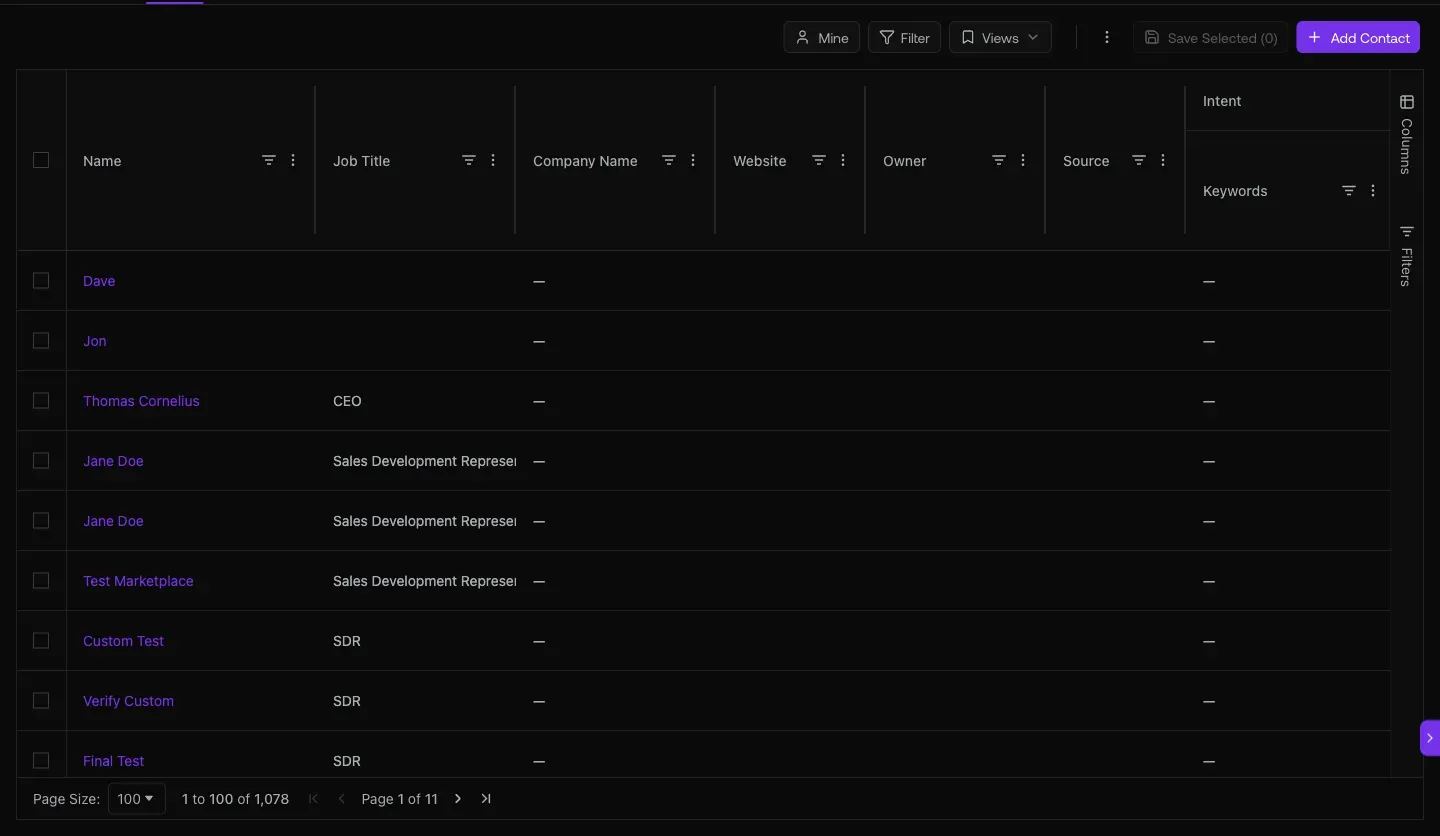
Fig 1.1 — /contacts. The Intent Keywords and Visits columns are SDR gold — they tell you which prospects are already showing buying signals before you even reach out.
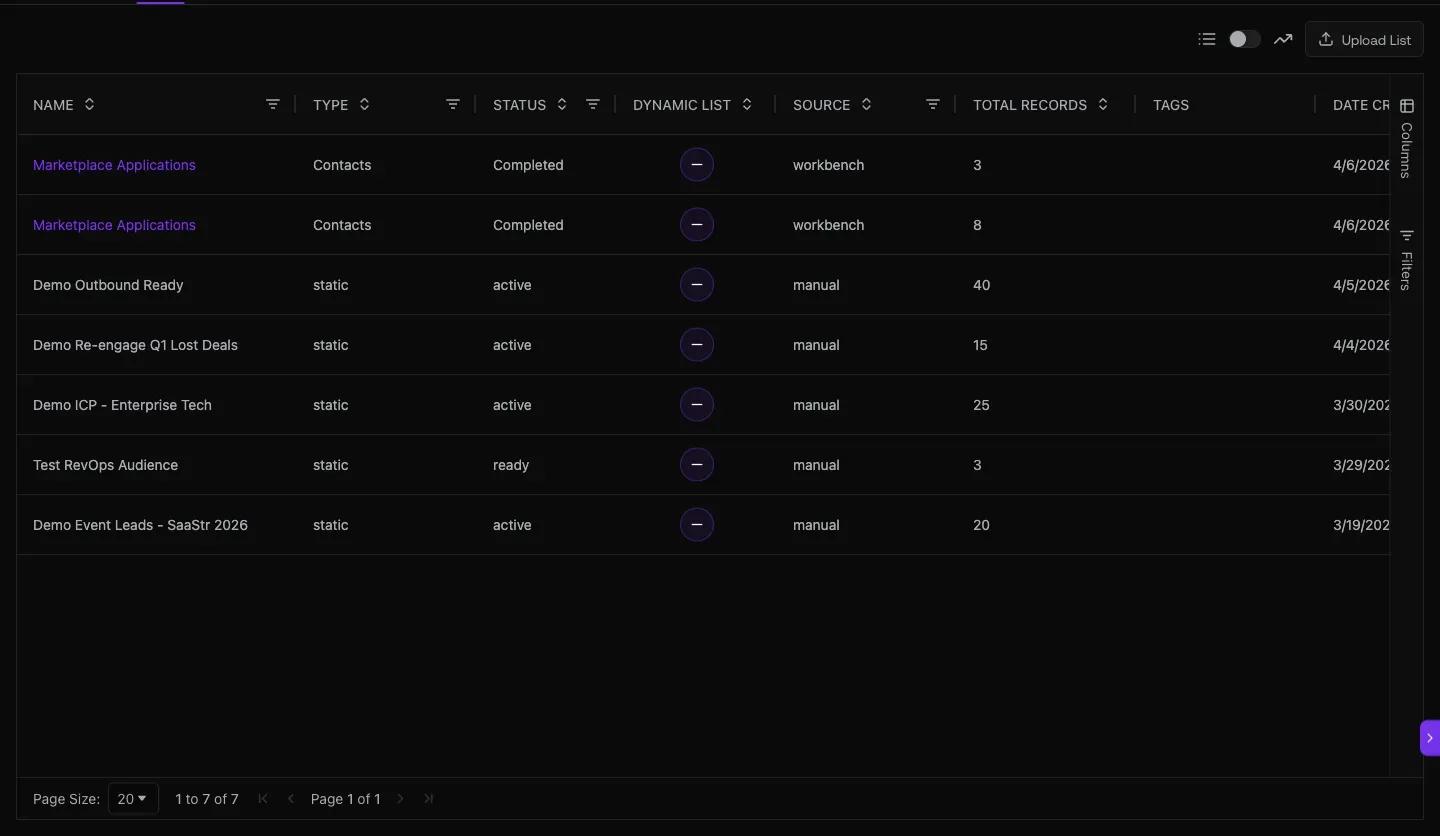
Fig 1.2 — /lists. 264 saved lists with Type · Status · Dynamic · Source · Total Records · Tags · Date Created. Dynamic lists keep refreshing as new contacts match.
02. Run the outbound — Sequences + Dialer
Multi-step sequences with email + dial, real-time progress and reply tracking per step. Plus a click-to-call dialer with session history.
Open it at
app.graph8.com/sequencer?tab=team— Team Sequences (live shared campaigns)app.graph8.com/sequencer— Personal Sequences (your own)app.graph8.com/dialer— Dialer session history
Team sequences live and running today include Salesleaders_AI&ML_US&UK&AUS&CAN, GROWTHDEMANDGEN_SAAS, and VP/HEAD-SALES_SAAS. Columns: Created By · Channels · Contacts · Steps · Status. Status pill: Active or Completed.
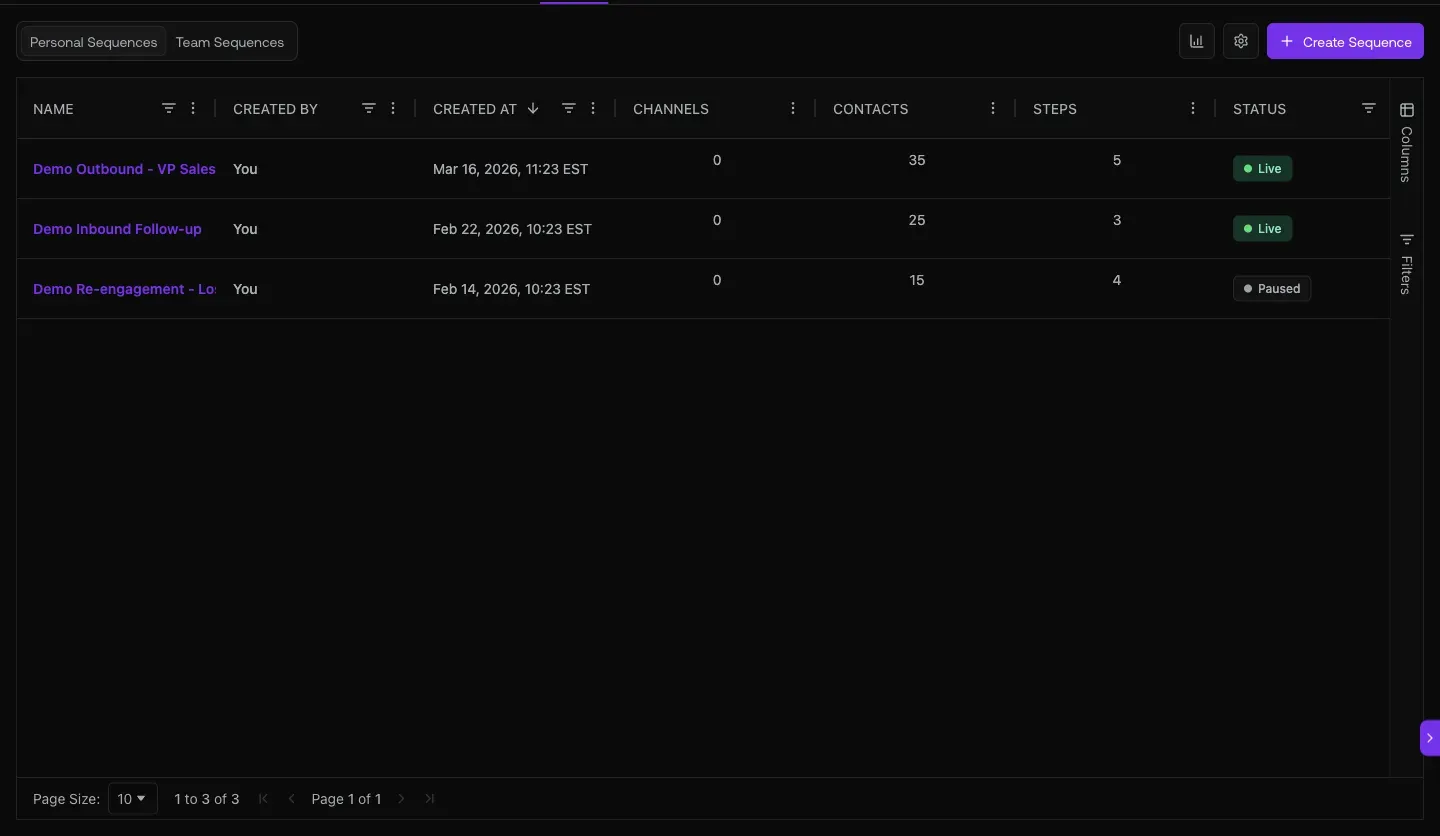
Fig 2.1 — Team Sequences. Click into any to see step-by-step progress.
Inside a sequence — every step has real stats
Open a sequence (verified live): many contacts · 1,340 active · 0 paused · 3 steps. Each step card shows: Email type · Progress % · Contacts at this step · Schedule · Replies received. Reply rate visible per step — kill underperforming steps fast.
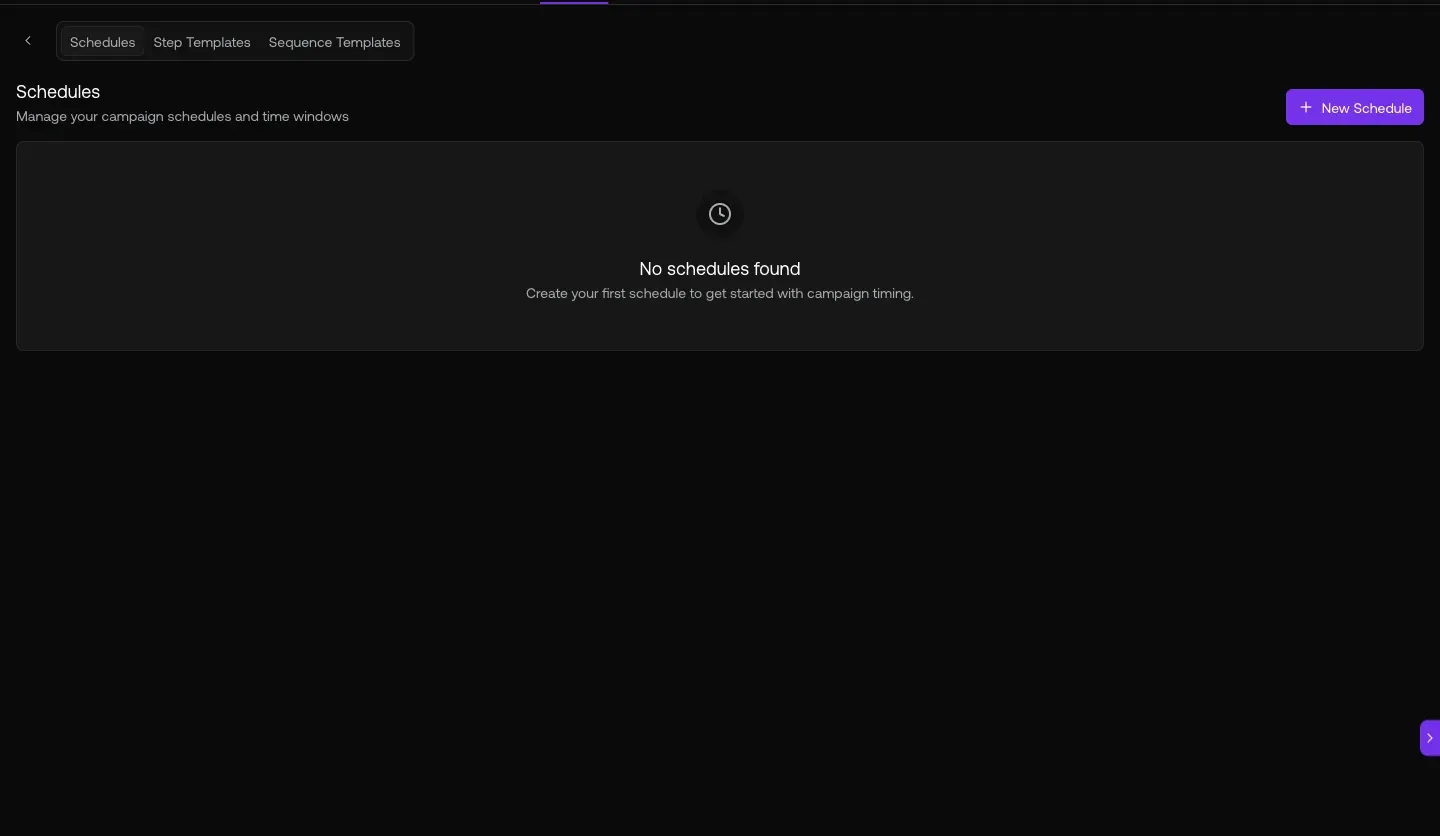
Fig 2.2 — Step-level performance. Use this to decide which sequence to clone for your next campaign.
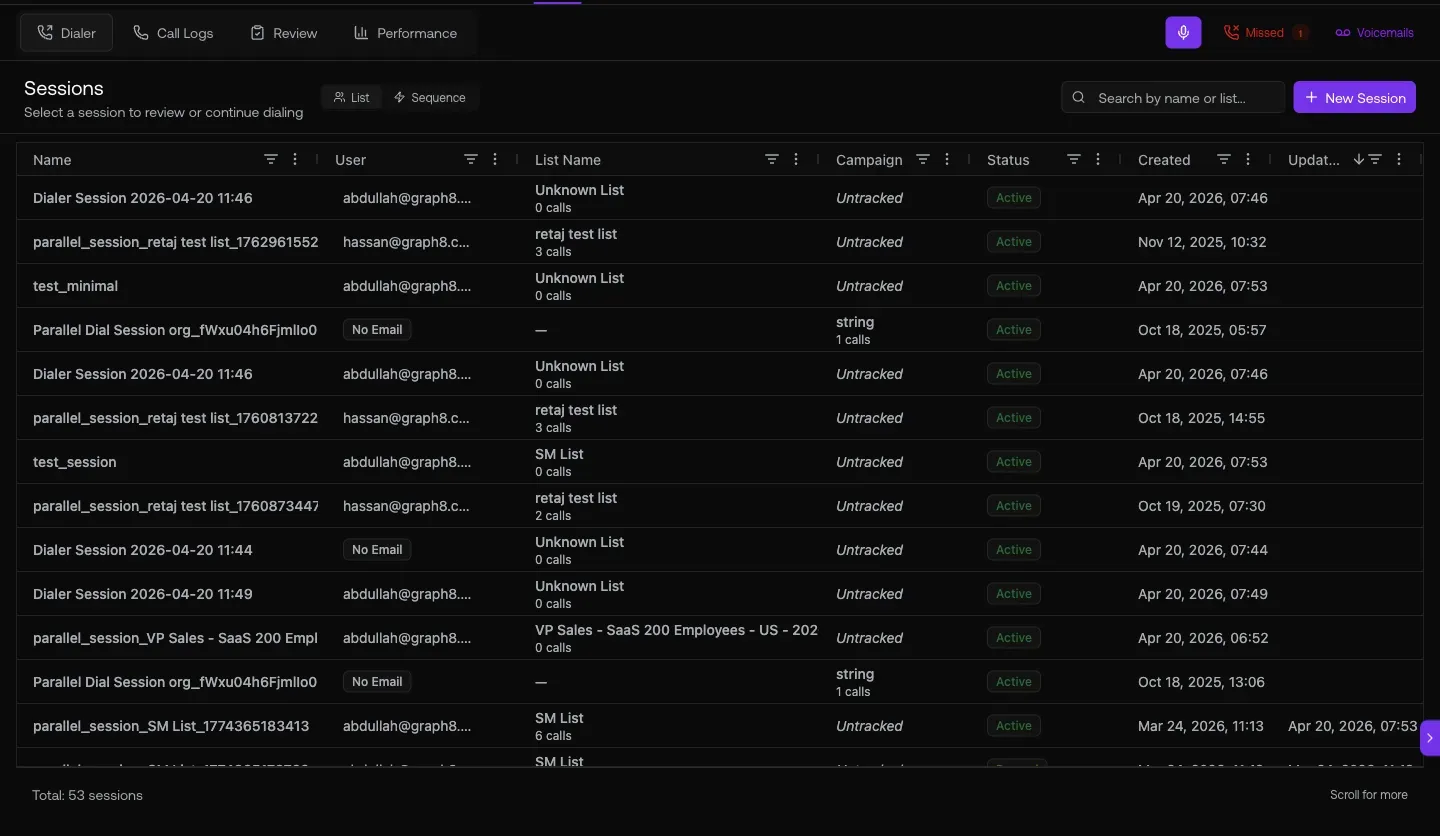
Fig 2.3 — /dialer session history. Pick a list, start a session, click-to-call through it.
03. Triage replies fast — AI Inbox + sentiment chips
Every reply tagged with sentiment so you can route in seconds. Interested = book the meeting. Out of Office = snooze. Not now = nurture sequence.
Open it at
app.graph8.com/inbox/email— Focused / Other tabs, sentiment chips on every thread, sequence attribution headers
The inbox auto-tags every reply with sentiment (Interested green / Out of Office yellow / Draft gray / Not Now / etc.) and groups them by the sequence that sourced them. You triage 30+ replies in 5 minutes instead of 30.
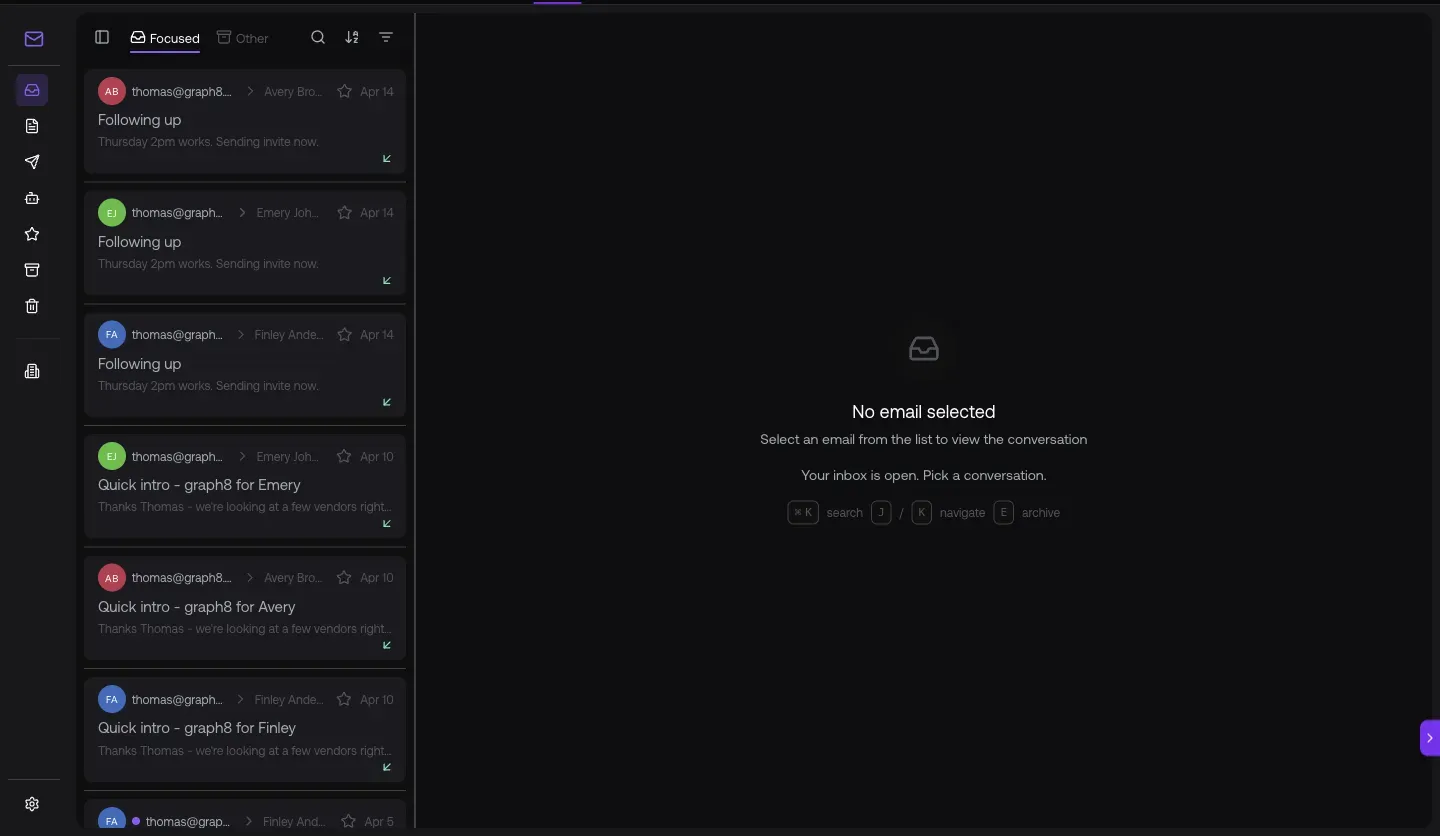
Fig 3.1 — Focused tab pre-filters out the noise. Other tab catches the rest. Sentiment chips visible on every thread; click one to filter the whole inbox to that sentiment.
04. Call the warm ones first — Visitors + Intent
Real-time identification of which companies are on the site and which pages they hit. If Acme just visited /pricing, that’s a call worth making before lunch.
Open it at
app.graph8.com/visitors?tab=companies— identified company visitorsapp.graph8.com/keywords— intent keyword tracking (Signals → Intent)app.graph8.com/signals/jobs— Hiring Signals (companies hiring for relevant roles = expansion intent)
The Visitors tab shows real-time site traffic with the killer column: Page Path. Visible right now: prospects hitting /platforms, Sales Automation Checklist, /p/graph8/52000 Free Contact Credits. Those are warm calls.
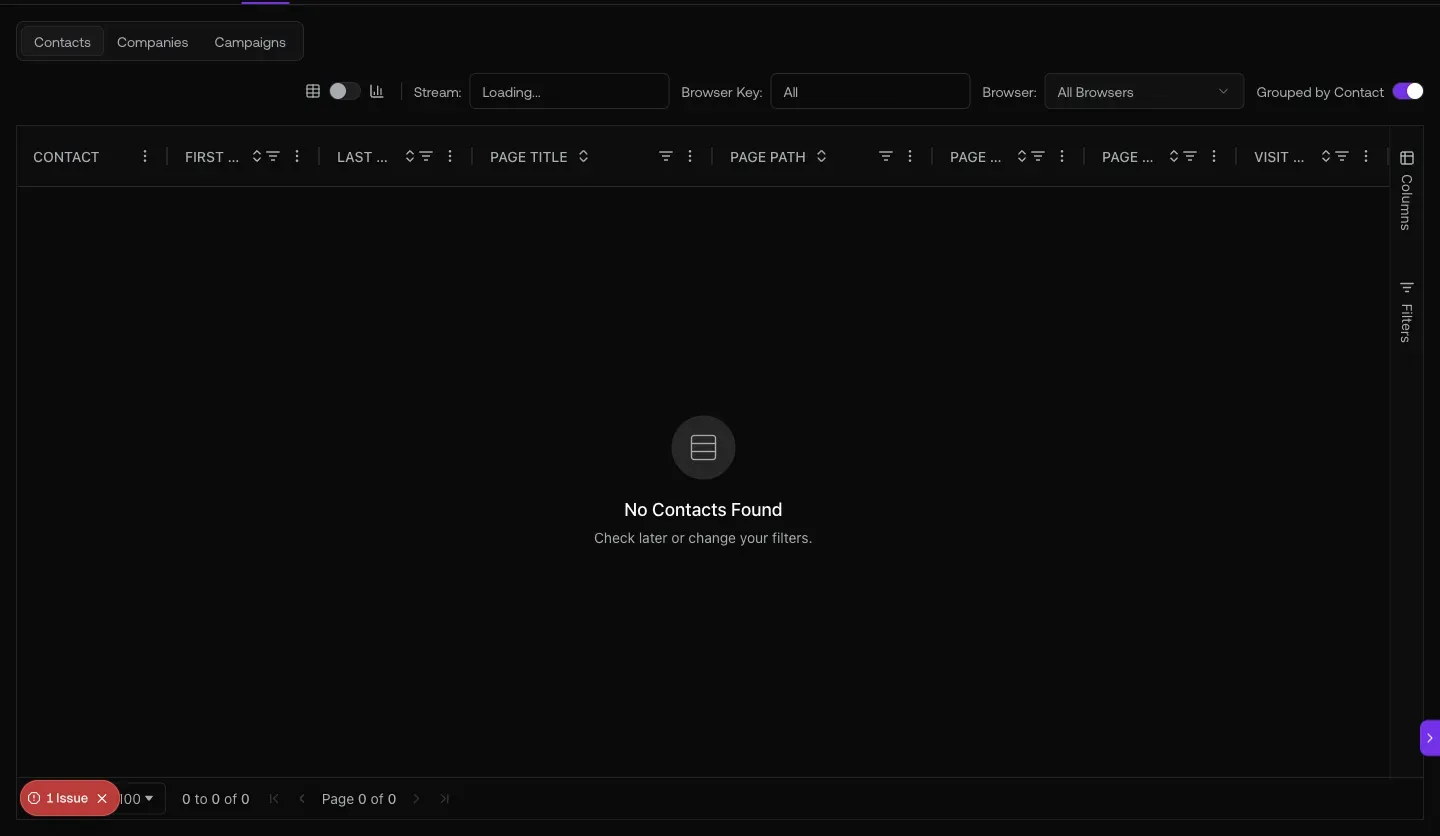
Fig 4.1 — Visitors with intent. Sort by Visit Time desc, then call anyone who hit /pricing, /credits, or a comparison page in the last hour.
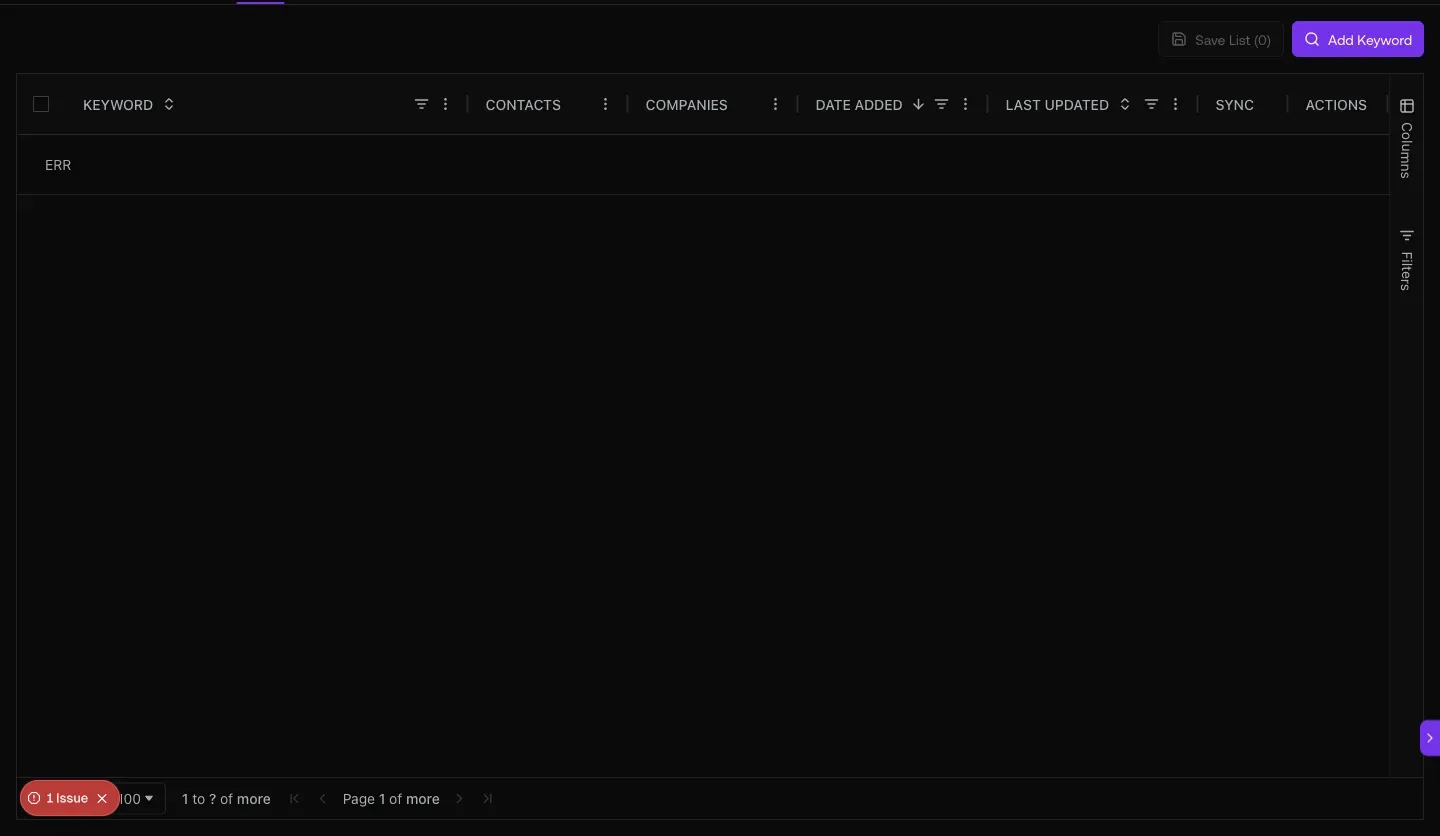
Fig 4.2 — Intent Keywords UI at /keywords. Add keywords here (e.g. “replace HubSpot”, “sales automation”) and graph8 surfaces contacts at companies actively talking about them. graph8 org has 0 keywords configured today — set yours up first.
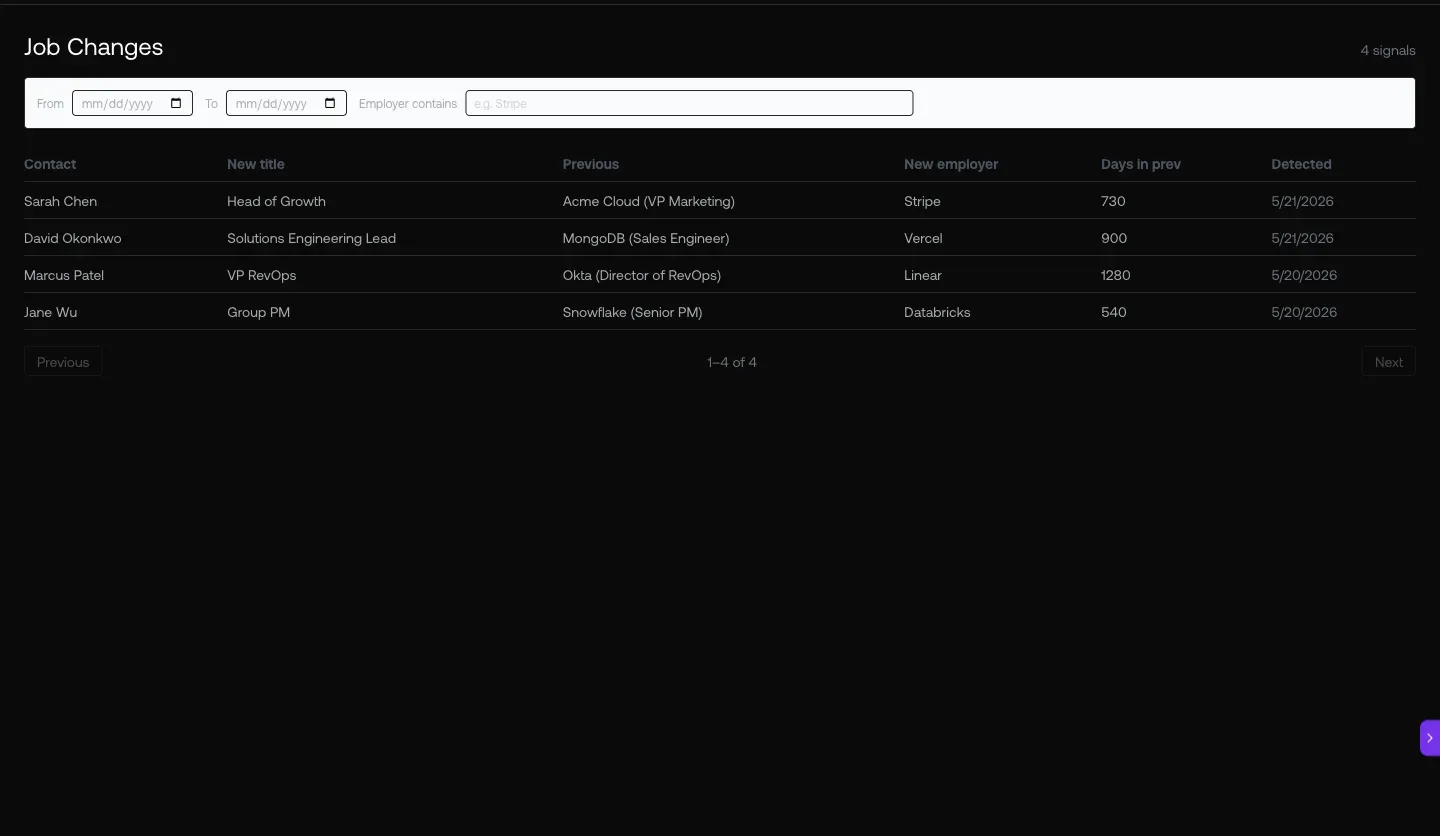
Fig 4.3 — Hiring Signals at /signals/jobs. Different from “champion job-change tracking” — this monitors companies posting new job listings (e.g. hiring a VP Sales) as an expansion signal.
05. Ask the copilot anything + enrich + know your sources
Natural-language SDR queries, a workbench for bulk enrichment, and acquisition analytics so you know which channels source your warmest leads.
Open it at
- Copilot — sparkle icon top-right, any page
app.graph8.com/enrichment/staging— Data Workbench (import, enrich, export)app.graph8.com/analytics/acquisition— channel breakdown for the marketing site
Ask the copilot SDR questions: “Which contacts visited pricing in the last 7 days?”, “Show me my hottest prospects this week”, “Which sequence has the best reply rate?”. It calls the right MCP tool and returns structured data.
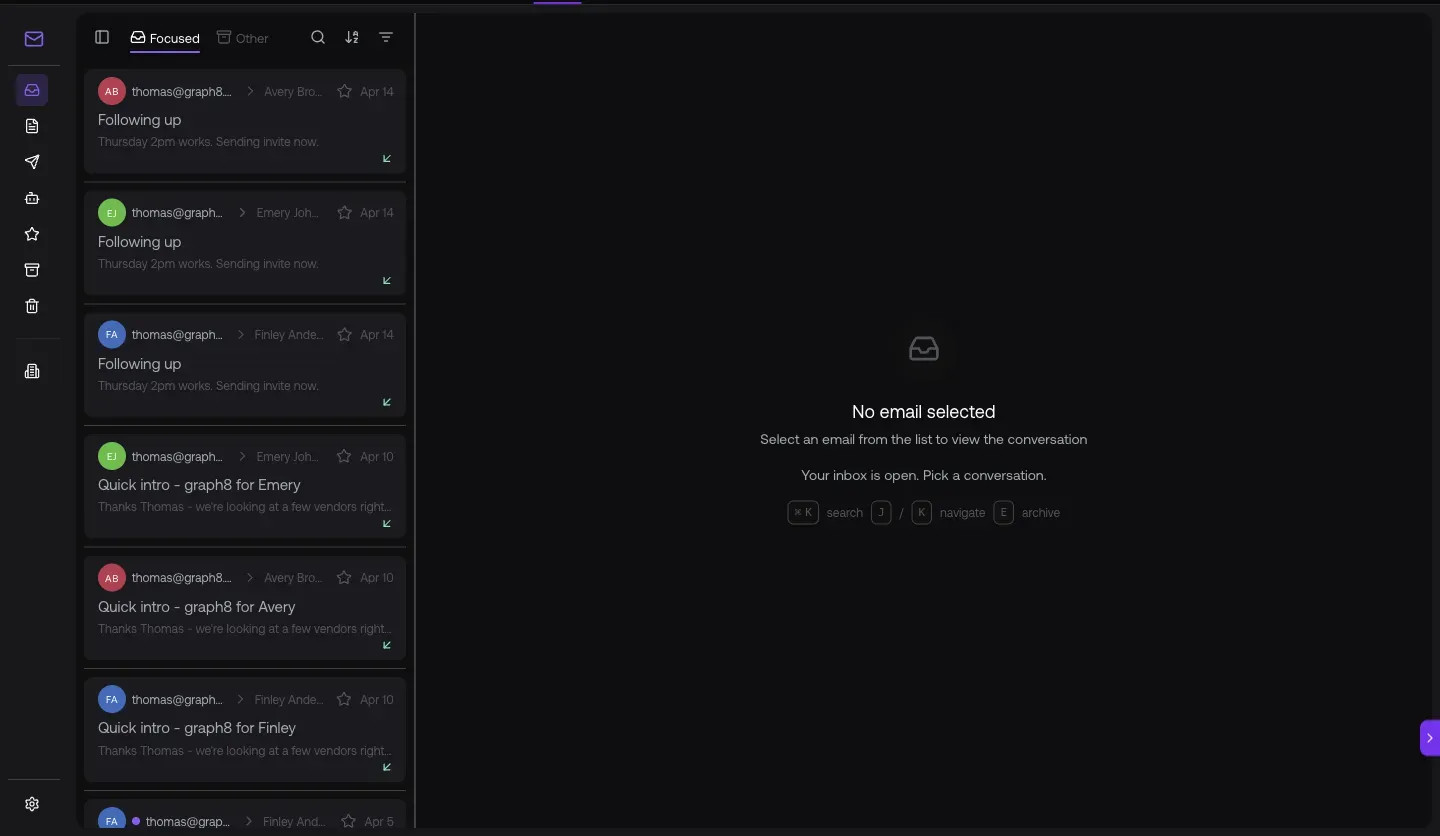
Fig 5.1 — Live copilot response to “Which contacts visited pricing in the last 7 days?” — points you straight to the Intent dashboard with the right filter applied.
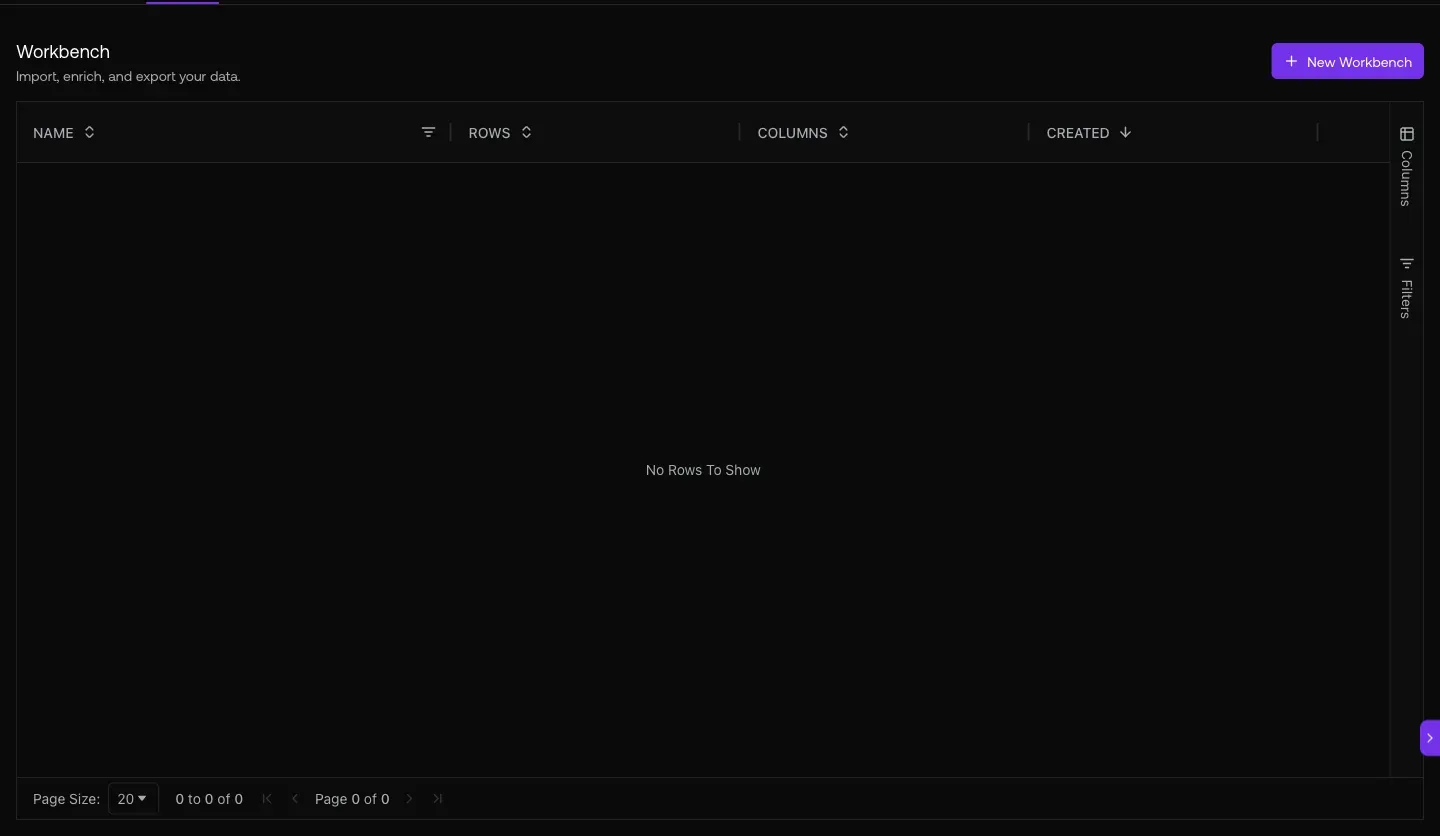
Fig 5.2 — Data Workbench at /enrichment/staging. 30 workbenches: import → enrich → export. Bulk lookup phones/emails/firmographics on a list before you sequence it.
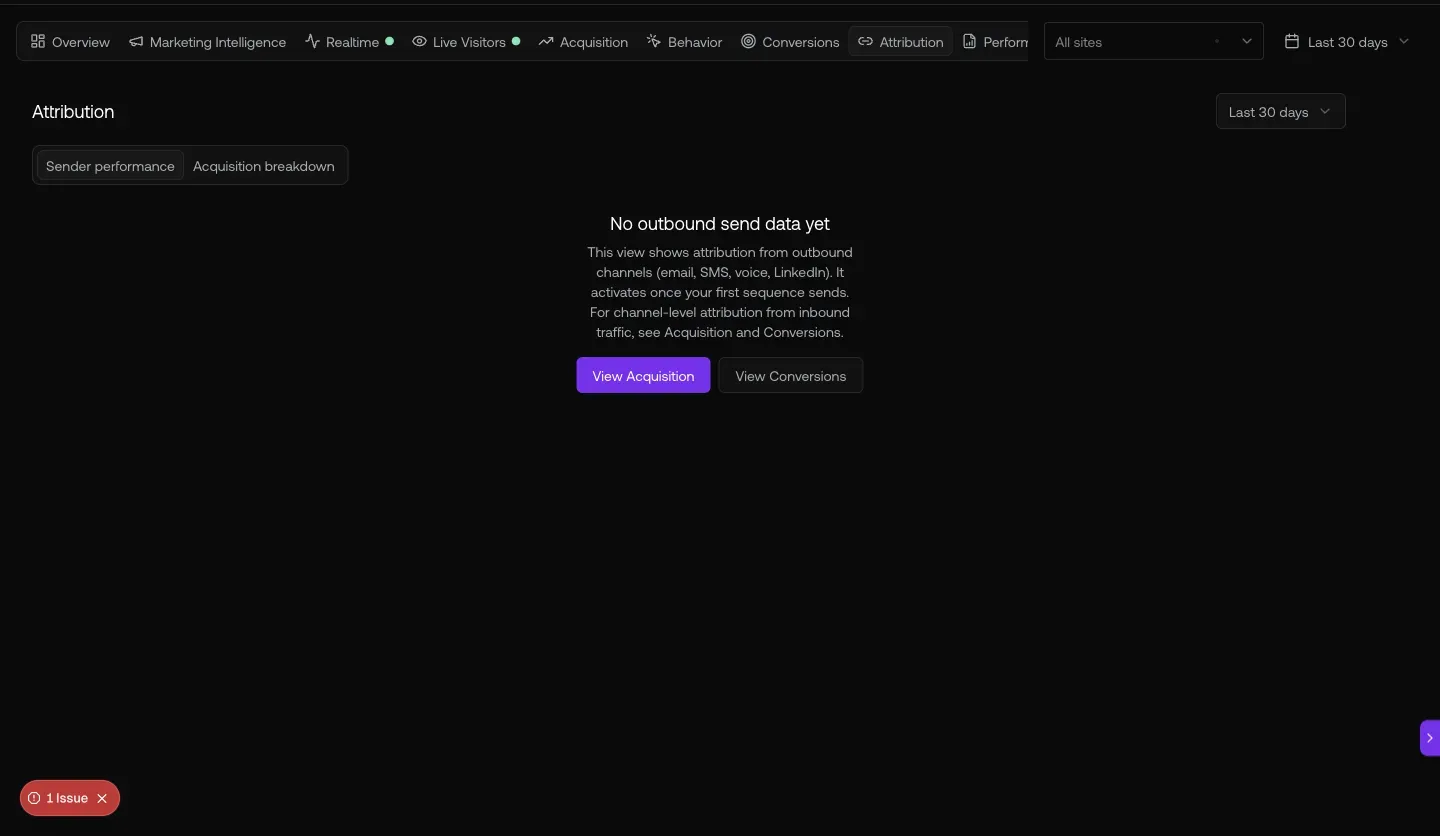
Fig 5.3 — Acquisition channels last 30 days. 65.5K users · 68.5K sessions · your engagement rate. the channel breakdown.
URL cheat-sheet
| To do this | Go here |
|---|---|
| Browse the 2.3M contact directory | /contacts |
| See your saved lists | /lists |
| Team sequences (shared) | /sequencer?tab=team |
| Your personal sequences | /sequencer |
| Dialer session history | /dialer |
| Triage replies by sentiment | /inbox/email |
| Identified site visitors | /visitors?tab=companies |
| Intent keyword tracking | /keywords |
| Hiring Signals (job posting intent) | /signals/jobs |
| Bulk enrichment workbench | /enrichment/staging |
| Acquisition channel breakdown | /analytics/acquisition |
| Open Copilot anywhere | Sparkle · top-right |
| Search the CRM | Cmd-K |
Heads-up — what to know before you start
Generated 2026-05-20 against
app.graph8.com (org your org). Surface state verified live before publication