graph8 for SDR Manager
Esta página aún no está disponible en tu idioma.
A field guide for SDR Manager. Live URLs, real surfaces. Screenshots captured from a showcase tenant with public-company data only.
The five things to use today
01. Performance Reports — your morning dashboard
The single screen that shows your entire team’s last-7-days output: emails sent, dials placed, replies received, reply rate, meetings booked. Plus a left sidebar of 13 drill-down sub-reports.
Open it at
app.graph8.com/reports— Performance Reports landing
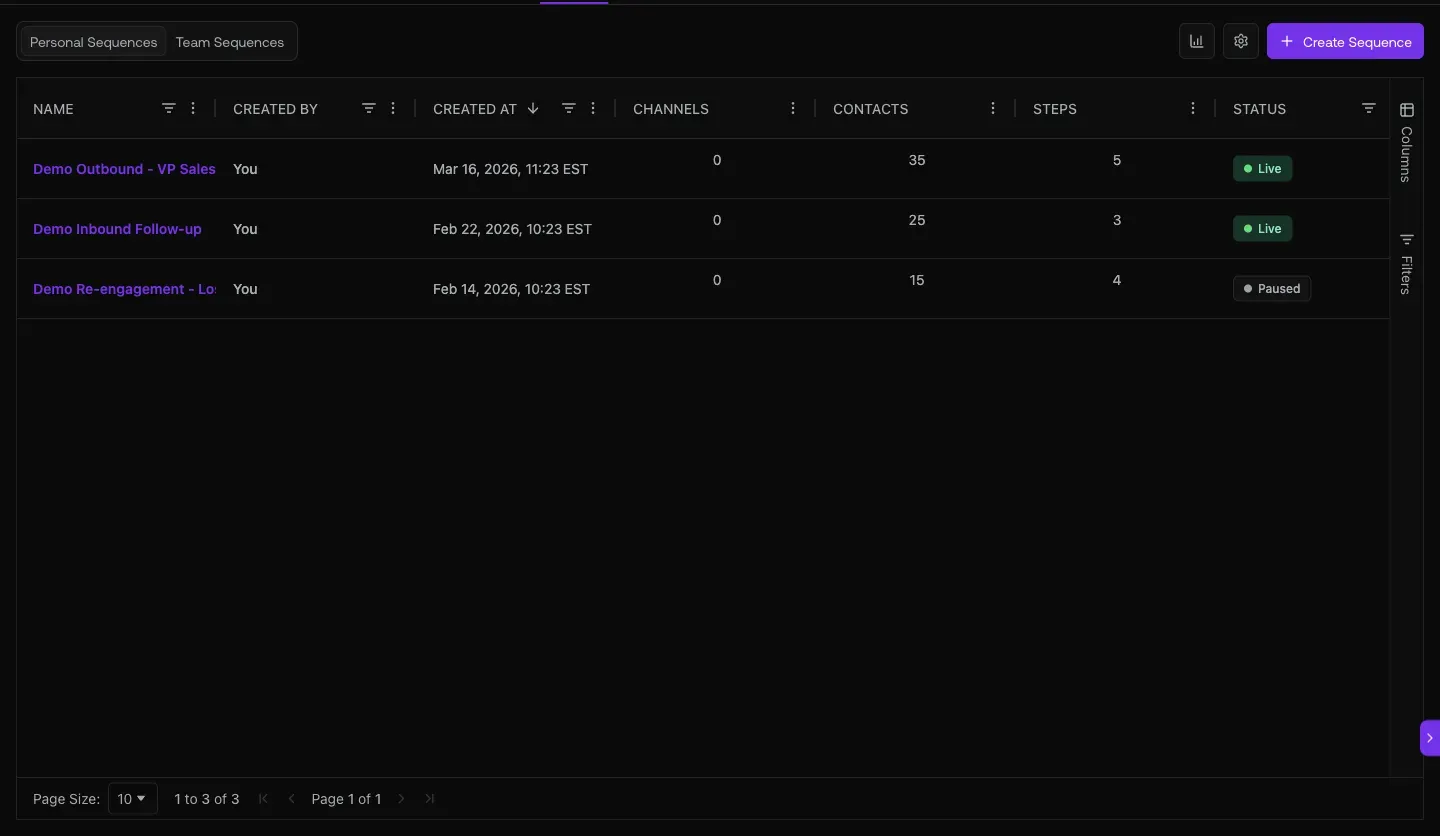
Fig 1.1 — /reports. Hero KPI strip (last 7 days) + activity-over-time line chart (Emails / Dials / Replies / Meetings) + LinkedIn aggregate cards. The line chart shows daily volume so you can spot dips, post-holiday catch-ups, or quiet Fridays.
The 13 sub-reports in the left sidebar
- Activity Trend (default landing)
- Reply Health
- LinkedIn Health
- Bounce Health
- Mailbox Health Board
- Connect Rate
- SDR Leaderboard — per-rep ranking
- SDR Grade Trends — quality scoring over time
- SDR Daily Heatmap — best hours / days to call
- Disposition Mix — call outcome breakdown per SDR
- Talk Time Quality — call coaching surface
- Meeting Pipeline — meetings booked → held → showed
- Inbound Activity
02. Team Sequencer — which campaigns are live, who built them, how big
29 sequences across the team. Personal / Team / Archived tabs. Status pills tell you what’s currently active vs draft vs completed. This is your campaign portfolio view.
Open it at
app.graph8.com/sequencer— Personal / Team / Archived sub-tabs
Fig 2.1 — Sequencer at /sequencer. Real sequences live today: SalesLeaders_AI&ML_USA, GrowthDemandGen_SaaS, TaylorHaren_PostEngagers, GraphB_linkedin_testing, SDR/BDR_SaaS-Sequence, RevOps_SaaS-Sequence. Created by talha.zubair, anal, musa@. Status: Live · Draft · Completed. 29 sequences total across 3 pages.
03. Dialer Sessions — per-SDR call audit + parallel-dial visibility
14 missed · 96 voicemails · 426K minutes logged. 39 dialer sessions across the team with per-user attribution. This is your daily activity audit.
Open it at
app.graph8.com/dialer— Dialer / Call Logs / Review / Performance tabs
Fig 3.1 — /dialer Sessions view. 14 sessions in frame, 39 total. Each row: session name + User + list + status. Visible operators: hamza.najeeb · abdullah.gr · nikola.bucallo · din.sacic. Parallel-dial sessions like parallel_session_Ari_177815887082 show up too — useful to spot who’s leveraging that capability.
04. Inbox — reply-quality coaching with sentiment chips
Every reply tagged: Interested · Out of Office · Not Interested · sequence-attribution labels. SDR Managers coach off the “Not Interested” + low-quality replies, not just the wins.
Open it at
app.graph8.com/inbox/email— Focused / Other tabs
Fig 4.1 — Inbox Focused tab. Visible: “kill the tool spree!” · “how AI companies are using this” (Not Interested chip) · “replace Clay, ZoomInfo, Orum, and Smartlead” · “stop waiting on SDRs” (ACCOUNT/COMPETITIVE/SEQUENCE label) · “your GTM stack, consolidated”. Sequence-attribution chips on each thread tell you which campaign drove the reply.
05. Hiring Signals — fuel for the SDR pipeline + your own hiring
Companies posting new sales jobs are double-signals: (1) they’re growing the sales function so they need tools, (2) for managers hiring SDRs, those companies are where the best talent is mobile.
Open it at
app.graph8.com/signals/jobs— Hiring Signals (saved campaigns view)
Today: 0 saved hiring queries in graph8’s own org — the surface is shipped but unused. Set up your first query: “companies hiring VP Sales in SaaS, last 14 days” or “companies hiring SDR Manager + 50-500 employees.” A daily resolver replays your query against fresh job postings.
No screenshot of populated data — the live org has zero saved queries. Once you create your first, the resolver populates results within 24h.
URL cheat-sheet
| To do this | Go here |
|---|---|
| Daily activity dashboard | /reports |
| SDR ranking | /reports → SDR Leaderboard |
| SDR coaching grades over time | /reports → SDR Grade Trends |
| Best hours/days to dial | /reports → SDR Daily Heatmap |
| Call outcome mix per rep | /reports → Disposition Mix |
| Call quality coaching | /reports → Talk Time Quality |
| Meetings booked / held / showed | /reports → Meeting Pipeline |
| Mailbox warm-up + deliverability | /reports → Mailbox Health Board |
| Bounces (deliverability triage) | /reports → Bounce Health |
| Connect rate (dial-to-connect) | /reports → Connect Rate |
| Team sequence portfolio | /sequencer → Team tab |
| Dialer sessions audit | /dialer |
| Reply-quality coaching | /inbox/email |
| Hiring intent signal queries | /signals/jobs |
| Open Copilot anywhere | Sparkle · top-right |
Heads-up — known SDR Manager gaps + workarounds
Generated 2026-05-20 against
app.graph8.com (org your org). Surface state verified live before publication