Managing Hired Talent
Esta página aún no está disponible en tu idioma.
Once talent accept your offers, you manage the ongoing relationship from the My Talent, Meetings, Messages, and Statements tabs.
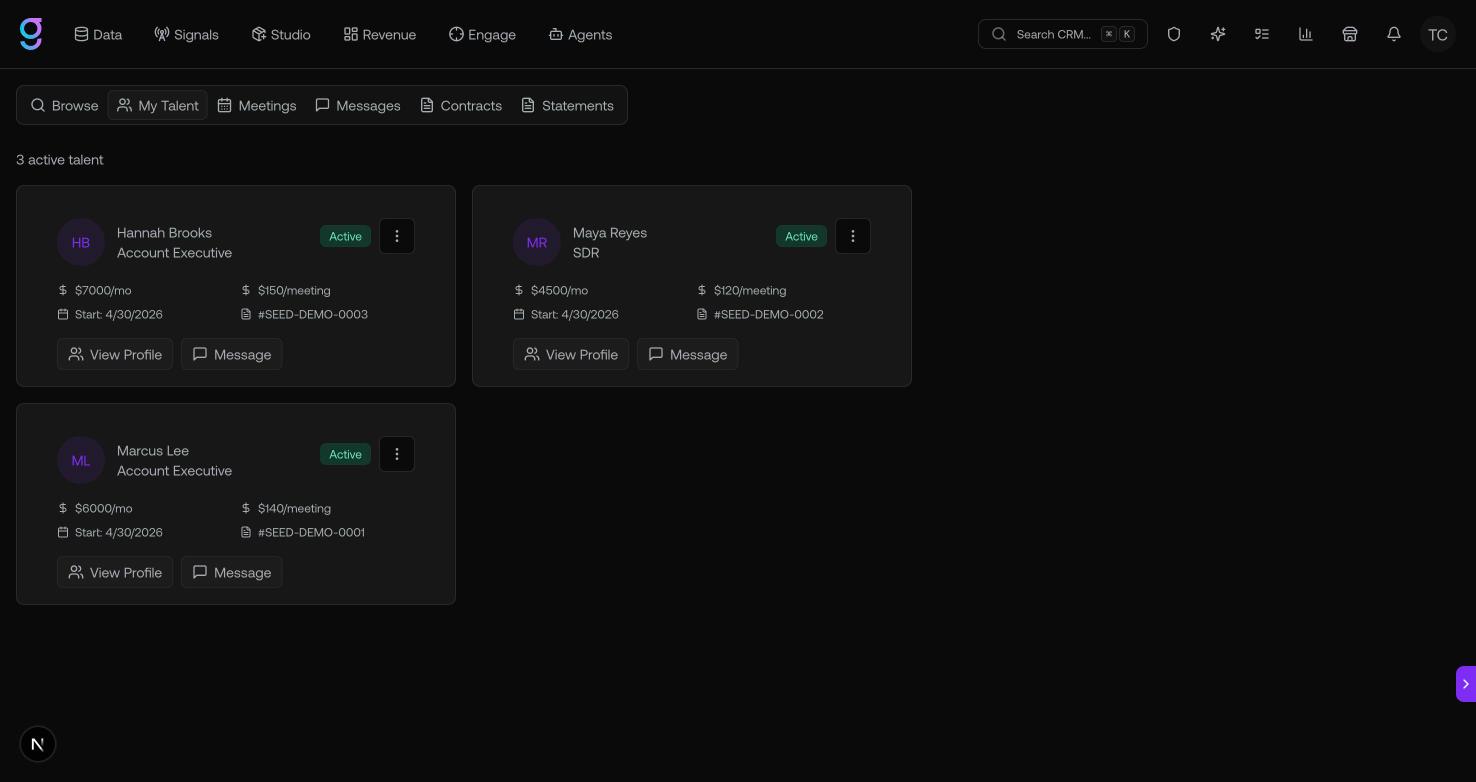
My Talent
The My Talent tab lists everyone you’ve actively hired. From each talent’s menu you can:
- Manage list access — control which contact lists the talent can work
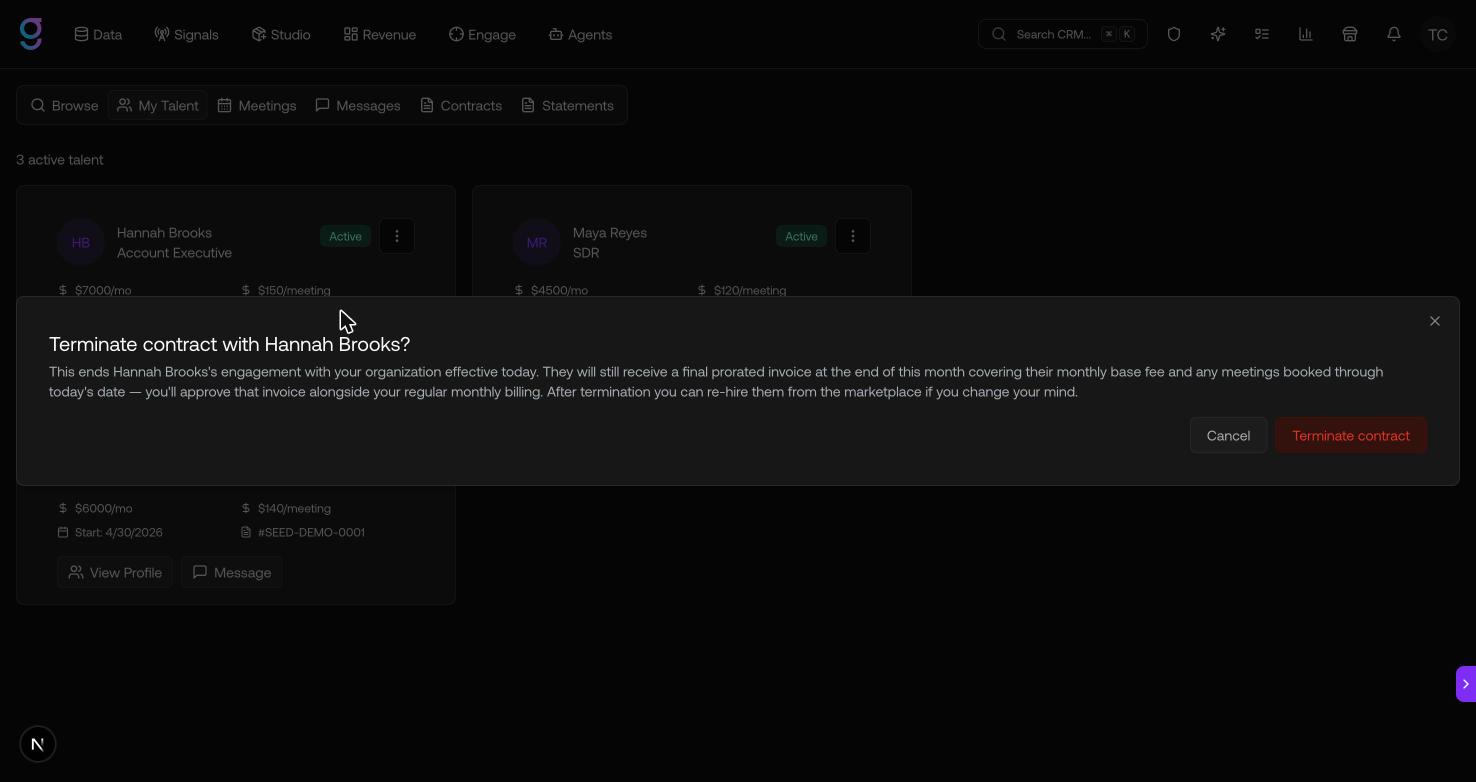
- Terminate contract — end the engagement
Terminating opens a confirmation that explains the final prorated invoice and that you can re-hire later:
Messages & Meetings
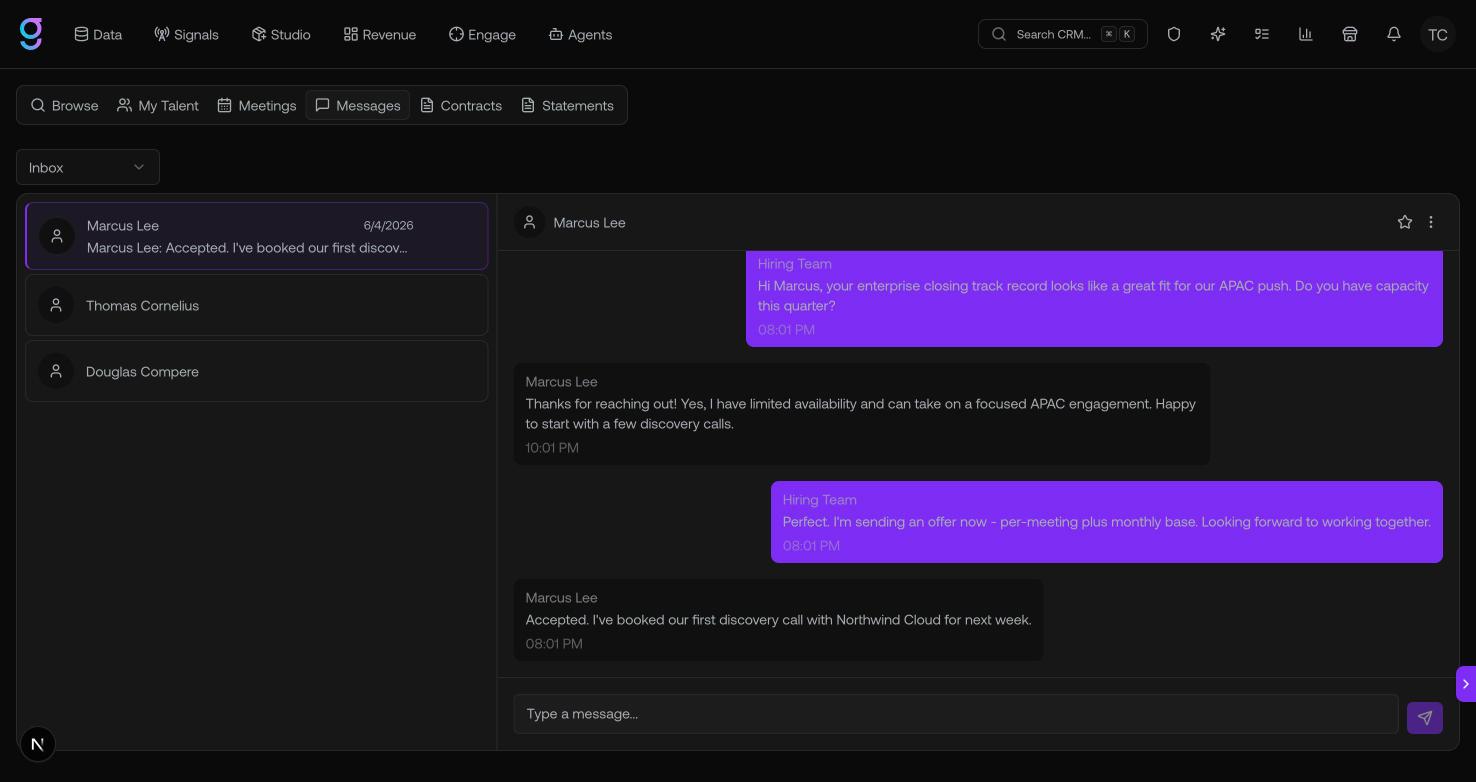
- Messages — real-time threads with your talent for day-to-day coordination.
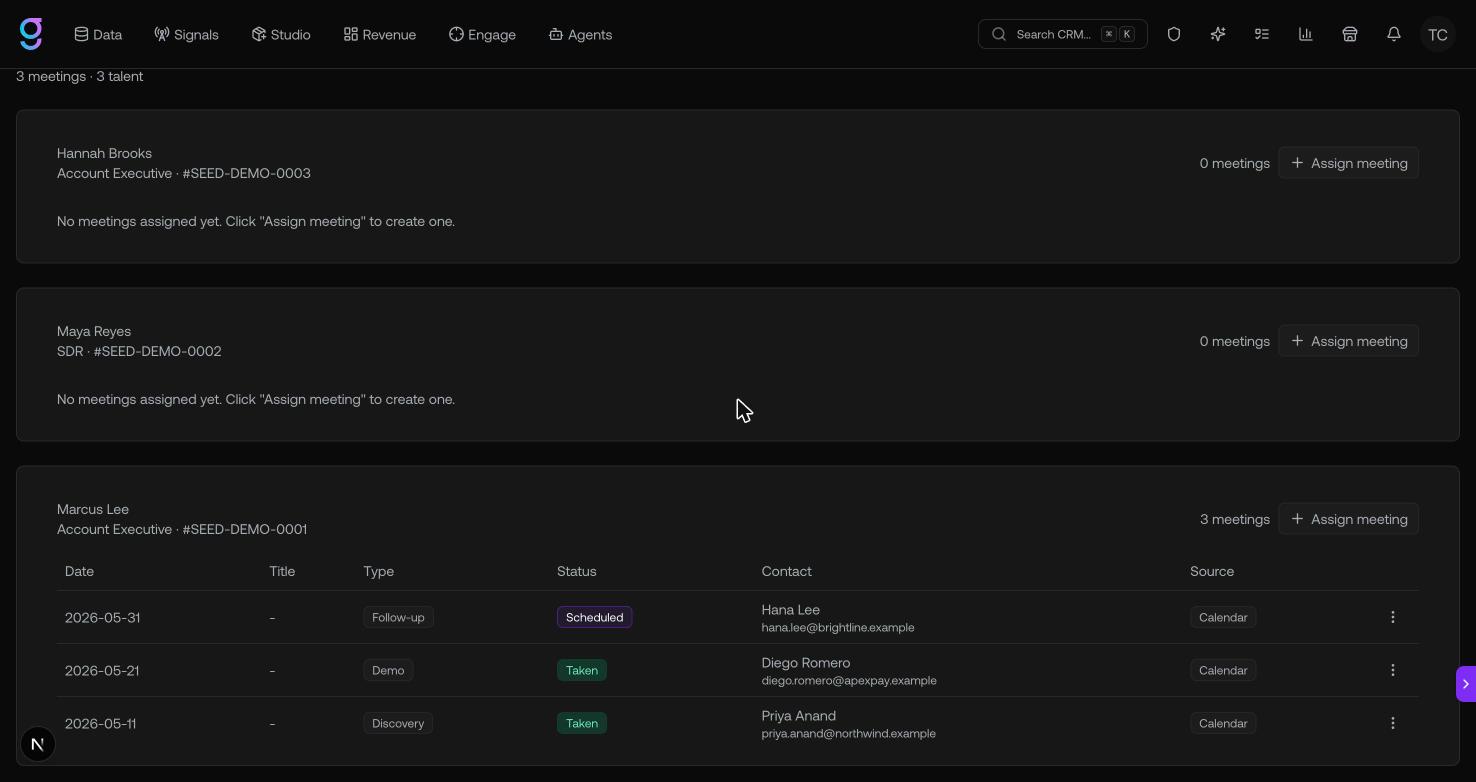
- Meetings — every meeting your talent have booked, so you can see the outbound they’re generating.
Statements (billing)
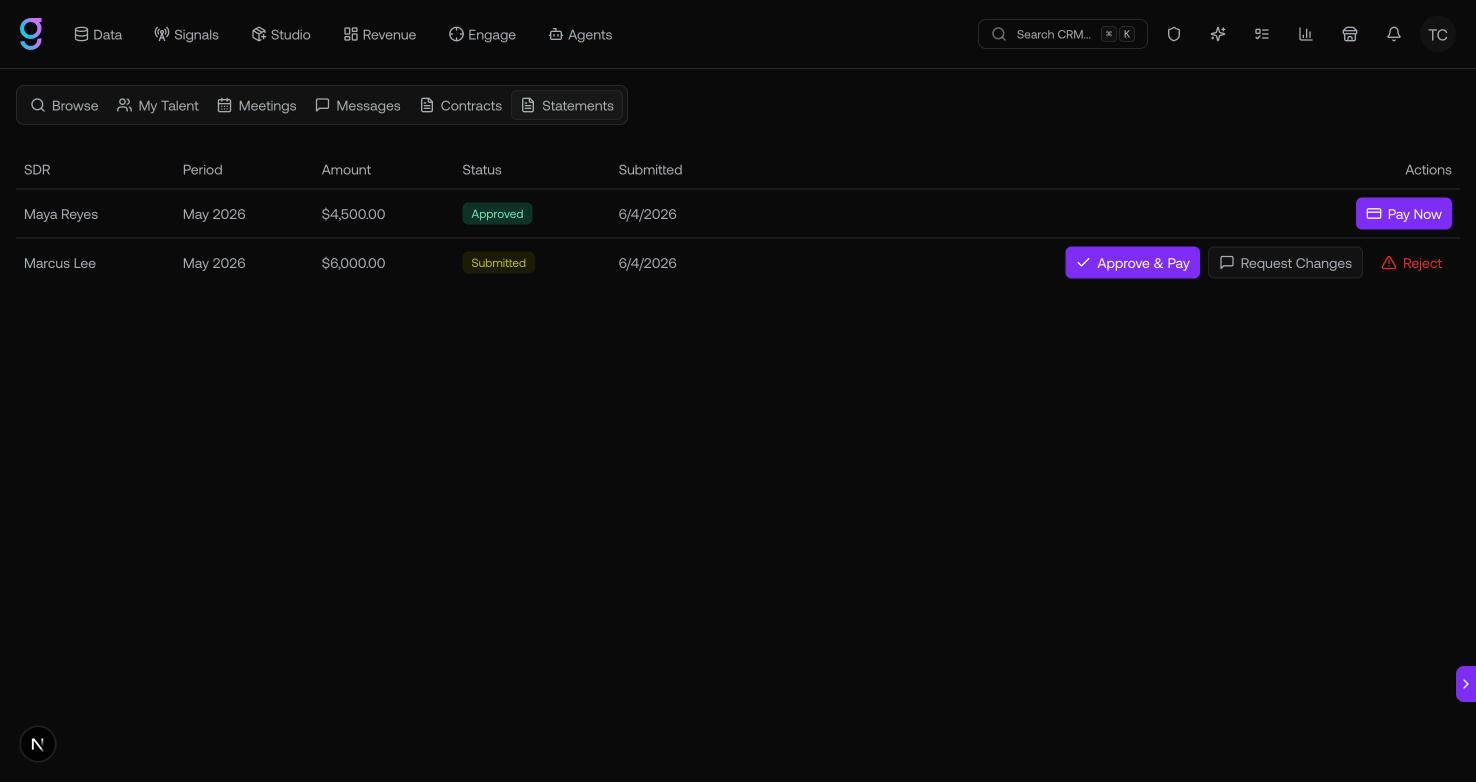
Talent submit service statements for the work they’ve done, and you review and pay them from the Statements tab. Each statement moves through these statuses:
| Status | Meaning |
|---|---|
| Draft | The talent hasn’t submitted it yet |
| Submitted | Waiting on your review |
| Approved | You approved it for payment |
| Rejected | You declined it (with a reason) |
| Changes Requested | You asked the talent to revise it |
| Expired | It lapsed without action |
When a statement is Submitted, you can:
- Approve & Pay — approve and pay it immediately.
- Request Changes — send it back with a note on what needs to change.
- Reject — decline it with a reason.
Approved statements show a Pay Now action if payment is still pending.