graph8 for Account Manager
Esta página aún no está disponible en tu idioma.
A field guide for Account Manager. Live URLs, real surfaces. Screenshots captured from a showcase tenant with public-company data only.
The five things to use today
01. Your book + expansion levers per customer
Open /deals/l/customers, sort by MRR desc, open the top accounts one at a time. The right-rail Customer Health card shows MRR · ARR · Health · Expansion Levers · Risk Signals · Role Assignments — that’s your QBR prep.
Open it at
app.graph8.com/deals/l/customers— your paying customers- Click any customer → Overview tab with Health/Expansion right rail
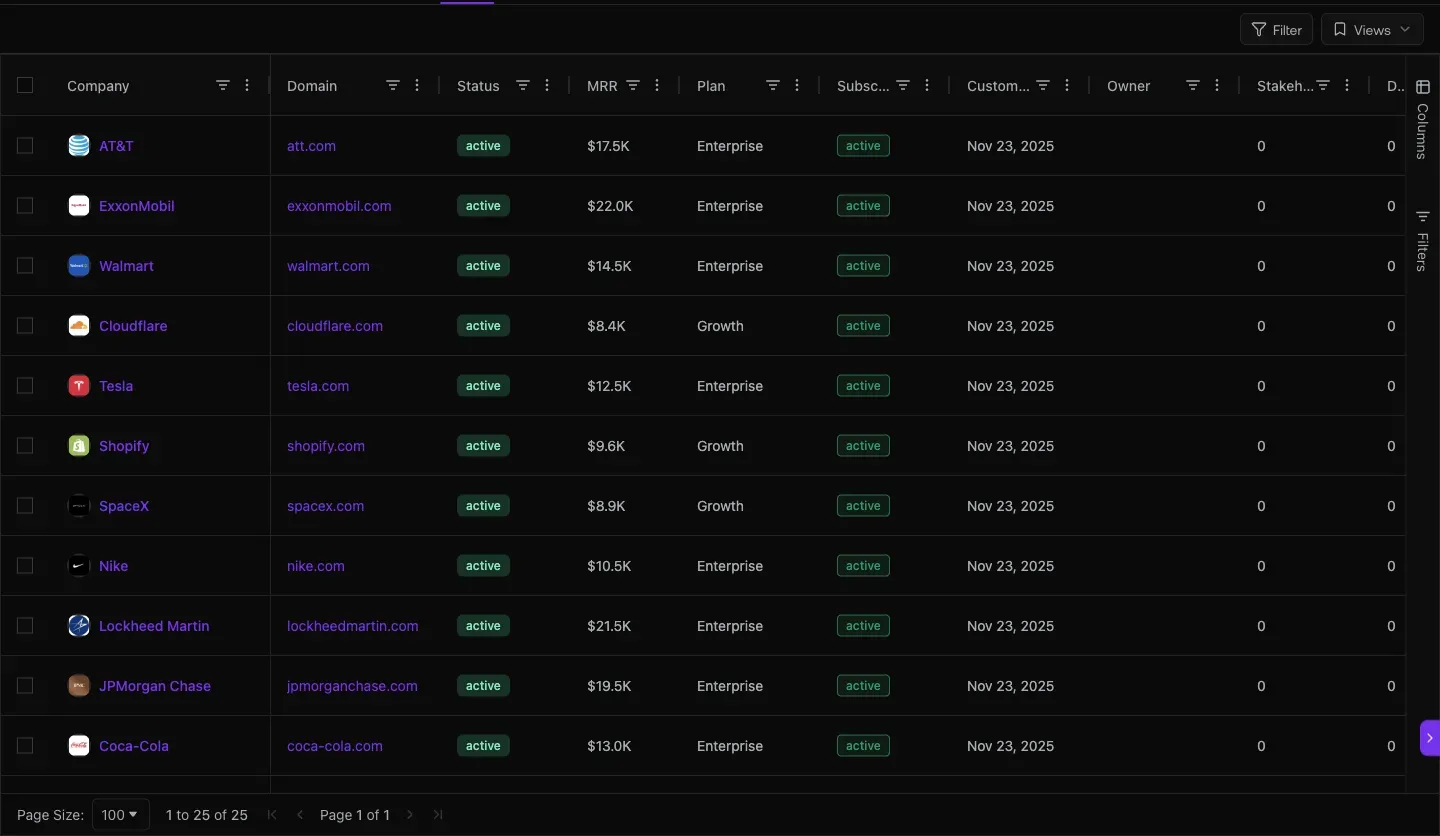
Fig 1.1 — /deals/l/customers. your paying customers. Columns: MRR · Plan · Subscription · Customer Since · Owner · Stakeholders · Deals · Deal Value. Sort by MRR desc — top accounts come first. Filter Owner = you for your book.
live AM brief · a paying customer · captured 2026-05-20 MRR · ARR$8,800 · $105,600 HealthCritical (Score 0) Engagement (30d)0 / 0 / 0 / 0 / 0 Risk signalNo meeting on record Expansion leverCredits exhausted: 0 Owner assignmentsSDR · AE · CSM — all Unassigned
02. Conversion pipeline + win-back — Trials and Churned
Trials about to convert (or expire). Churned customers ranked by recency — your win-back funnel.
Open these
app.graph8.com/deals/l/trials— Active + Expired sub-tabs, with countdown timers/deals/l/churned— ex-customers with Churn Reason column
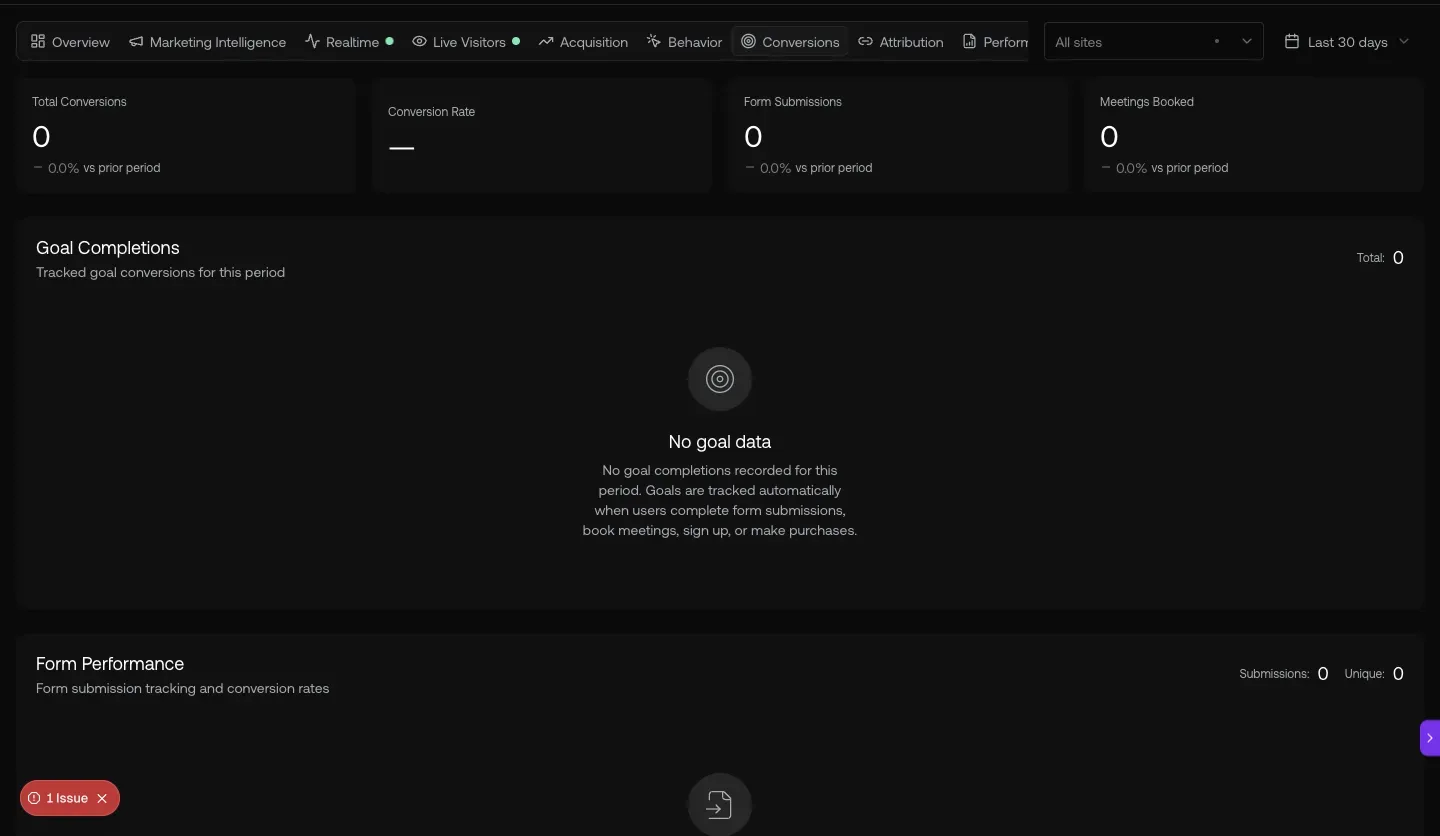
Fig 2.1 — /deals/l/trials. Active trials with Trial Ends countdown + Source + Referrer + First Touch. Anyone < 14d left = immediate call. The Expired sub-tab is your “missed conversion, send a discount email” list.
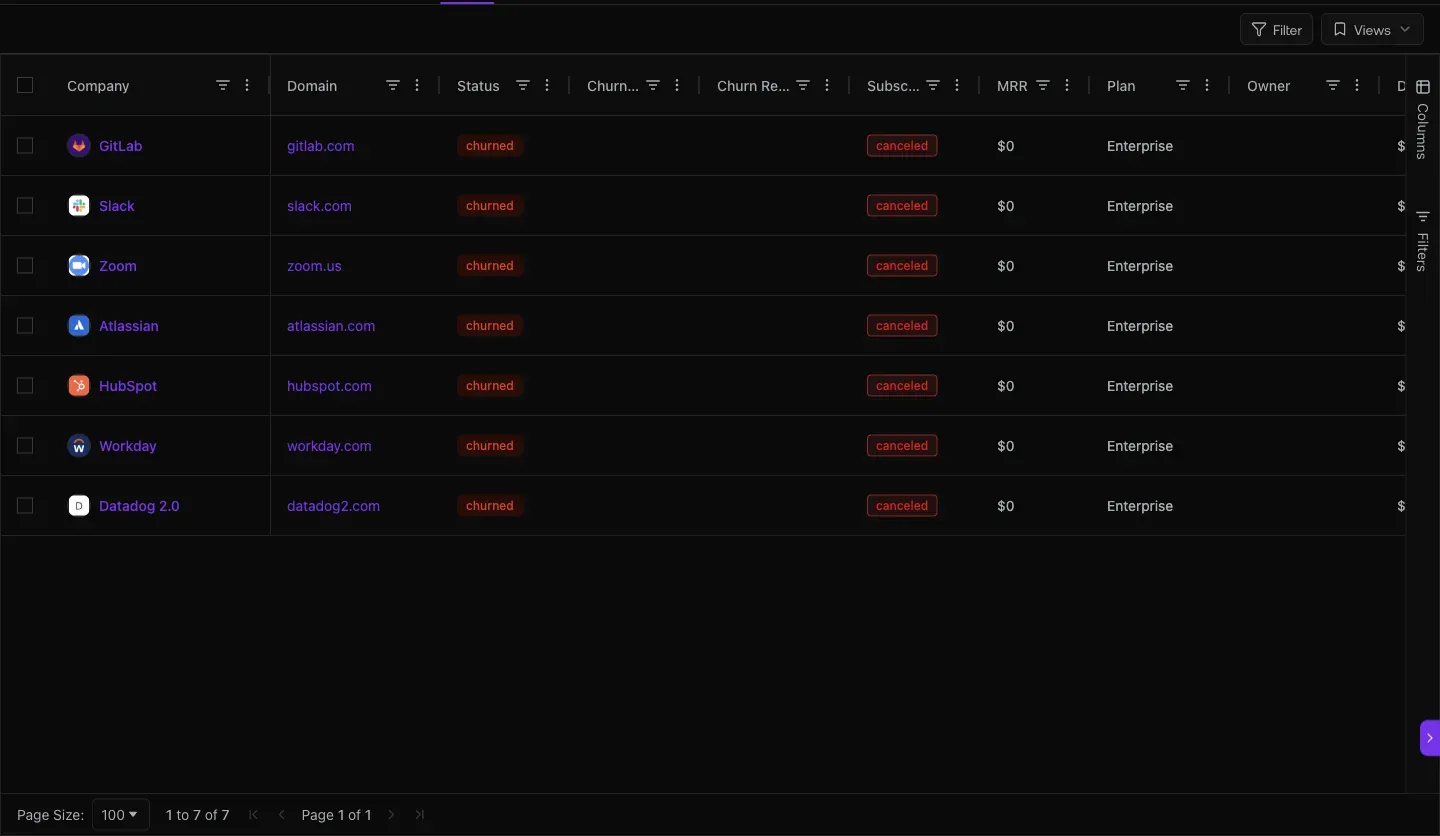
Fig 2.2 — /deals/l/churned. Ex-customers: Gmail · riseup-asia-llc · x-hydration · a sample deal · Lombard Metals · Quantum Global Airways. Churn Reason column is mostly empty today — fix that by logging reason during cancellation (workflow improvement).
03. Renewal & expansion deals — Deal Intelligence for AMs
Every expansion deal gets the same DEAL INTELLIGENCE sidebar as new-biz: auto-generated Deal Risks, Next Steps, Close Plan, ROI Analysis, Competitive Analysis. Use it for renewal prep the same way an AE uses it for new-logo close.
Open it at
- From customer detail → Active Deals → click the expansion deal
- Or
/deals/pipelinefiltered to your owner
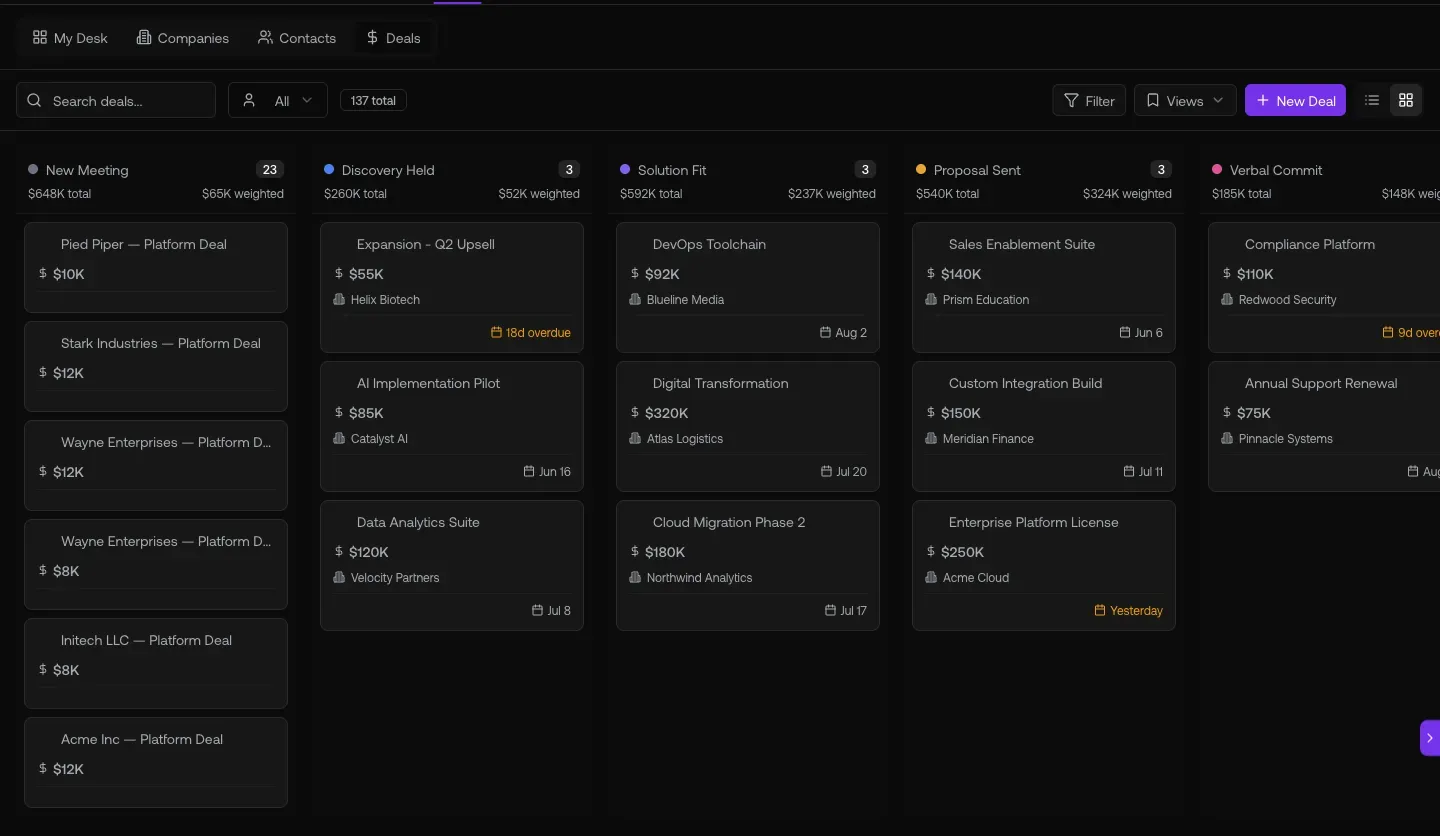
Fig 3.1 — Synapze GmbH deal. Left sidebar: Strategy (Deal Risks · Next Steps · Close Plan) + Analyze (ROI · Competitive). All 5 generated. Top: “Suggest next step” button + Stage Readiness gauge. This works just as well for renewal/expansion deals as it does for new biz.
04. Send renewal quotes + triage replies
Quote-to-cash works for renewals + expansions: build a quote, send for signature, Stripe auto-provisions the new subscription on sign. Then triage replies in Inbox with sequence-attribution chips.
Open these
app.graph8.com/deals/quotes— All / Draft / Sent / Viewed / Accepted / Expired / Declined/inbox/email— sentiment chips + sequence attribution
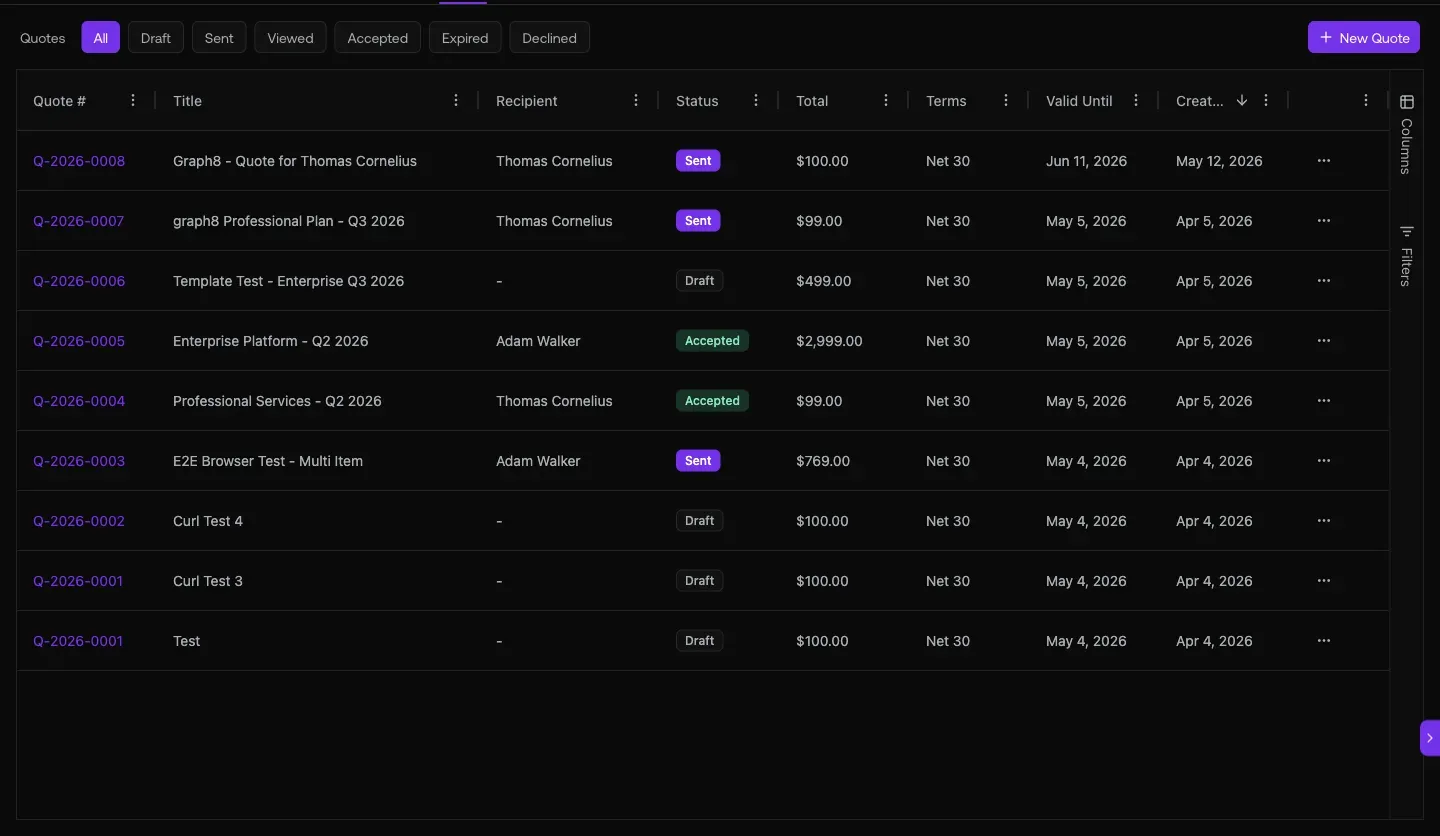
Fig 4.1 — /deals/quotes. Renewal + expansion quotes flow through the same surface as new-biz quotes. Accepted tab is auto-provisioned in Stripe; Viewed but not Signed = your follow-up call list.
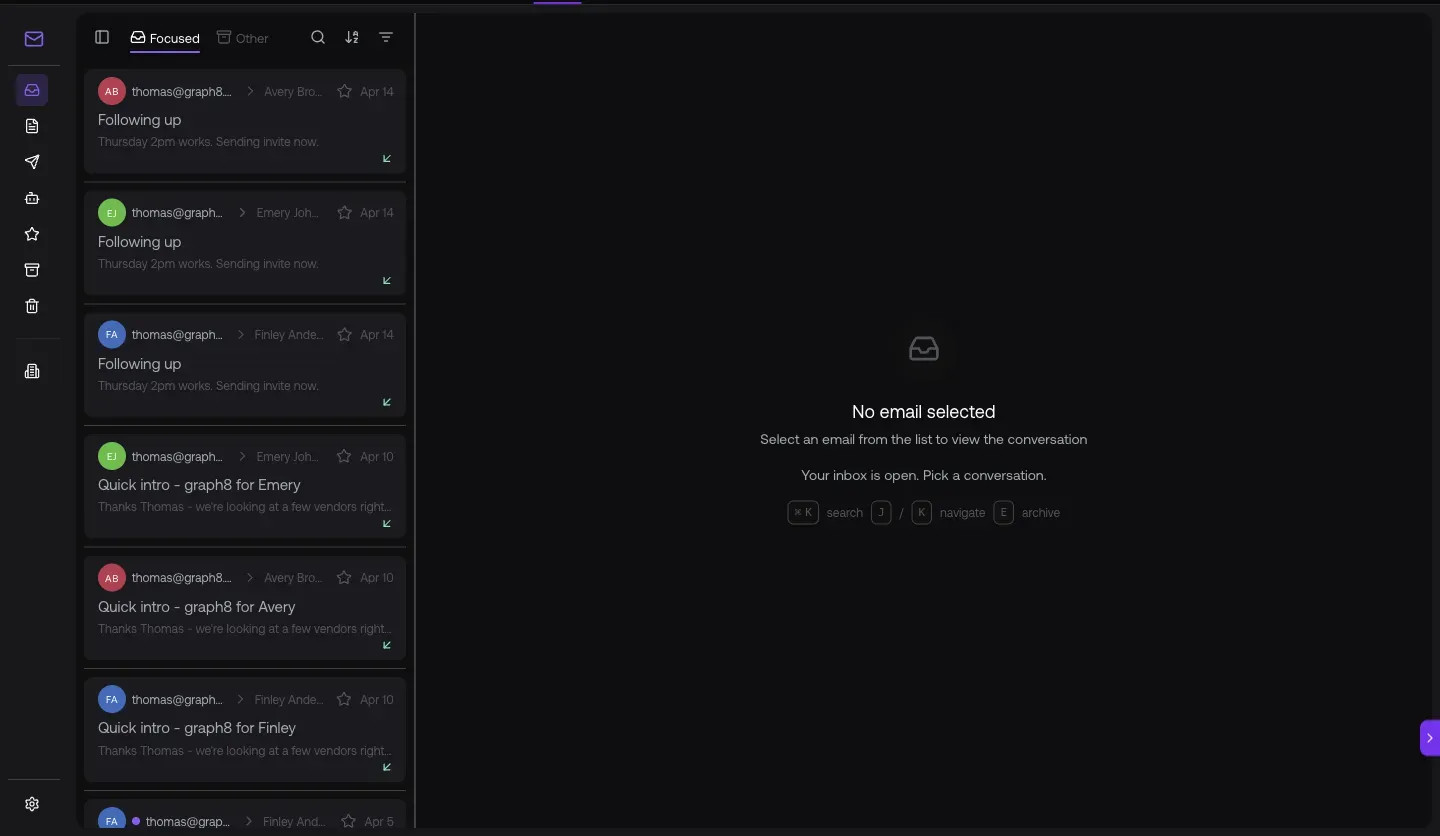
Fig 4.2 — Inbox at /inbox/email. Replies tagged with the campaign+channel that drove them. Filter by your customer’s email domain to find their threads.
05. Site-visit signals + Copilot for expansion candidates
the identified companies hit graph8 properties today. Cross-reference customer domains = expansion or churn signal. Then ask the copilot to surface candidates with a single prompt.
Open these
/visitors?tab=companies— the identified companies on the site today/reports?report=a14— Account Health Comparison (cross-account drift)- Copilot — sparkle icon or Cmd+Shift+K
URL cheat-sheet
| To do this | Go here |
|---|---|
| Your book of business + MRR | /deals/l/customers |
| Customer detail with your data | Click any customer row |
| Past_due customers ($ at risk) | /deals/l/customers · Subscription filter |
| Trial accounts (conversion pipeline) | /deals/l/trials |
| Churned customers (win-back candidates) | /deals/l/churned |
| Open expansion/renewal deal | /deals/pipeline filtered to Owner |
| Send a renewal/expansion quote | /deals/quotes |
| Inbox with sequence attribution | /inbox/email |
| Site visitors (existing customers?) | /visitors?tab=companies |
| Account Health Comparison report | /reports?report=a14 |
| Open Copilot anywhere | Cmd+Shift+K · or sparkle top-right |
Heads-up — known AM gaps + workarounds
Generated 2026-05-20 against
app.graph8.com (org your org). Surface state verified live before publication