graph8 for Sales Manager
Esta página aún no está disponible en tu idioma.
A field guide for Sales Manager. Live URLs, real surfaces. Screenshots captured from a showcase tenant with public-company data only.
The five things to use today
01. Pipeline at a glance — Kanban + List with $weighted per stage
Two views of the same pipeline: kanban for the morning stand-up, list with Owner column for the 1:1. Each stage column on the kanban shows $total and $weighted — that’s your forecast surrogate today.
Open it at
app.graph8.com/deals/pipeline— list view by default, kanban via the view toggle- 6 stage columns on the kanban: New Meeting · Discovery Held · Solution Fit · Proposal Sent · Verbal Commit · Closed Won
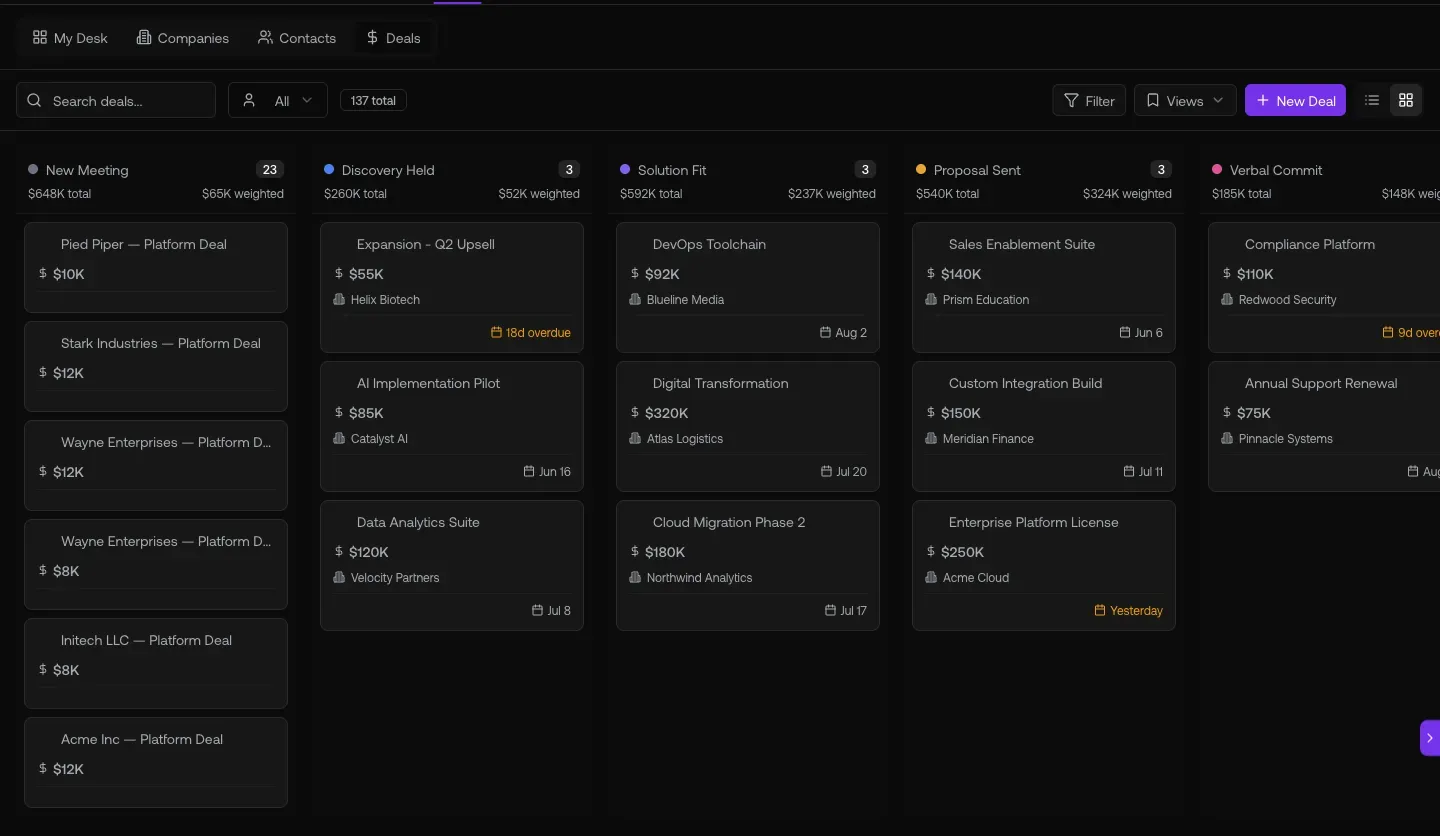
Fig 1.1 — Kanban view. Each column header carries $total / $weighted. Drag-and-drop to advance a stage. Cards show owner avatars. $weighted per stage = the closest thing to a commit-forecast graph8 ships today (see caveats for what’s missing).
02. Coach the deal, not the rep — Deal Intelligence + Stage Readiness
Every deal auto-generates Strategy (Deal Risks · Next Steps · Close Plan) and Analysis (ROI · Competitive). Read it before the 1:1, ask the rep about the risks the system flagged.
Open it at
- Click any deal from
/deals/pipeline→ lands at/deals/{deal-id} - Left rail: DEAL INTELLIGENCE (Strategy + Analysis stacks, “5/5 generated” badge)
- Top: Deal Progress bar + Stage Readiness gauge + Suggest next step button
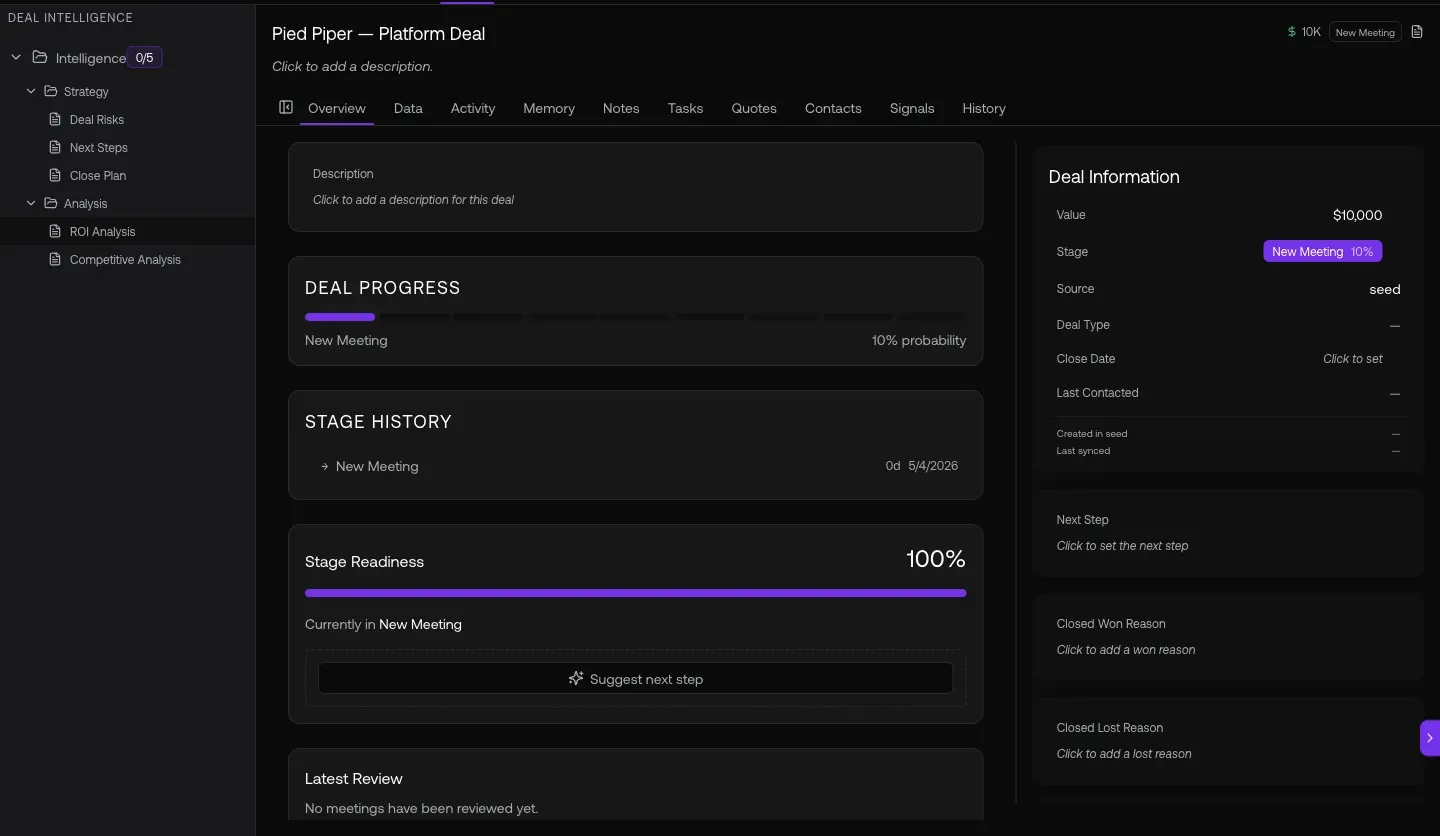
Fig 2.1 — DEAL INTELLIGENCE sidebar. Auto-generated: Deal Risks · Next Steps · Close Plan (Strategy) + ROI Analysis · Competitive Analysis (Analysis). Use these as your 1:1 talking points — don’t ask the rep “how’s the deal going,” ask “what’s your plan to mitigate the deal risk graph8 flagged?”
03. The /reports center — 15+ sub-reports for QBR prep
graph8 ships a rich reports surface most people miss. Account Health Comparison, Cross-Account Drift, SDR Leaderboard, Talk Time Quality, Meeting Pipeline. This is where you build the board deck.
Open it at
app.graph8.com/reports— left sidebar with 7 report categories
Categories + sub-reports visible today:
- Activity & Top-line
- Reply & Engagement
- Deliverability & Health
- Calling & SDR Performance: SDR Leaderboard
- SDR Grade Trends
- SDR Daily Heatmap
- Disposition Mix
- Talk Time Quality
- Pipeline & Inbound
- Sequences & Lists
- Cross-Account Drift: Account Health Comparison
- Idle / Stalled
- Meeting Pipeline
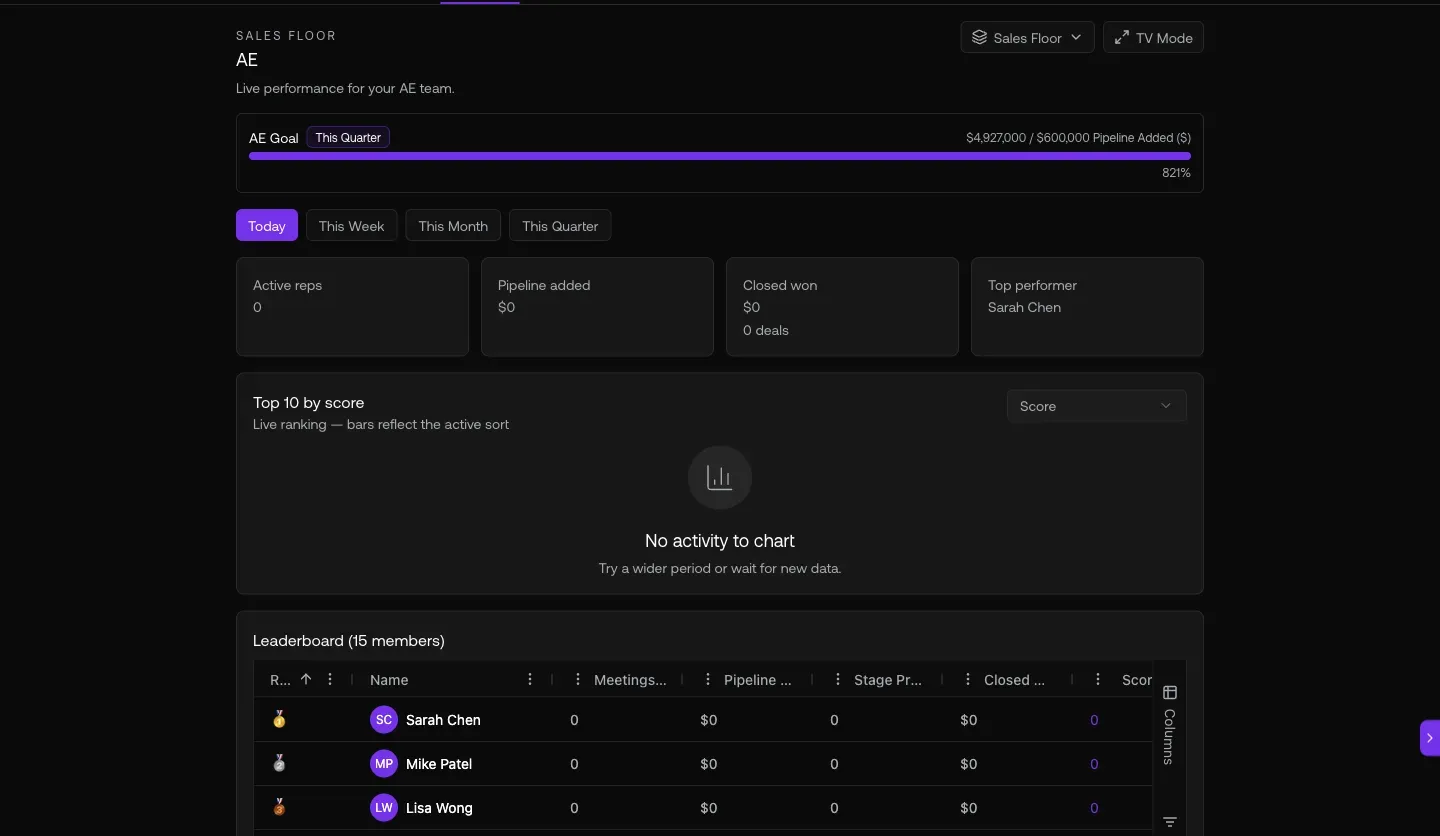
Fig 3.1 — /reports Account Health Comparison. Header KPIs (your workspaces, your reply rate) + Outbound volume per workspace bar chart. Use this for the “are my customers actually using graph8?” QBR slide.
04. Copilot as your pipeline-hygiene buddy
Natural-language pipeline queries the copilot actually answers well. Stalled deals, missing close dates, pipeline by stage, deals without next steps — all one prompt away.
Open it at
- Sparkle icon · top-right · any page → Copilot side panel
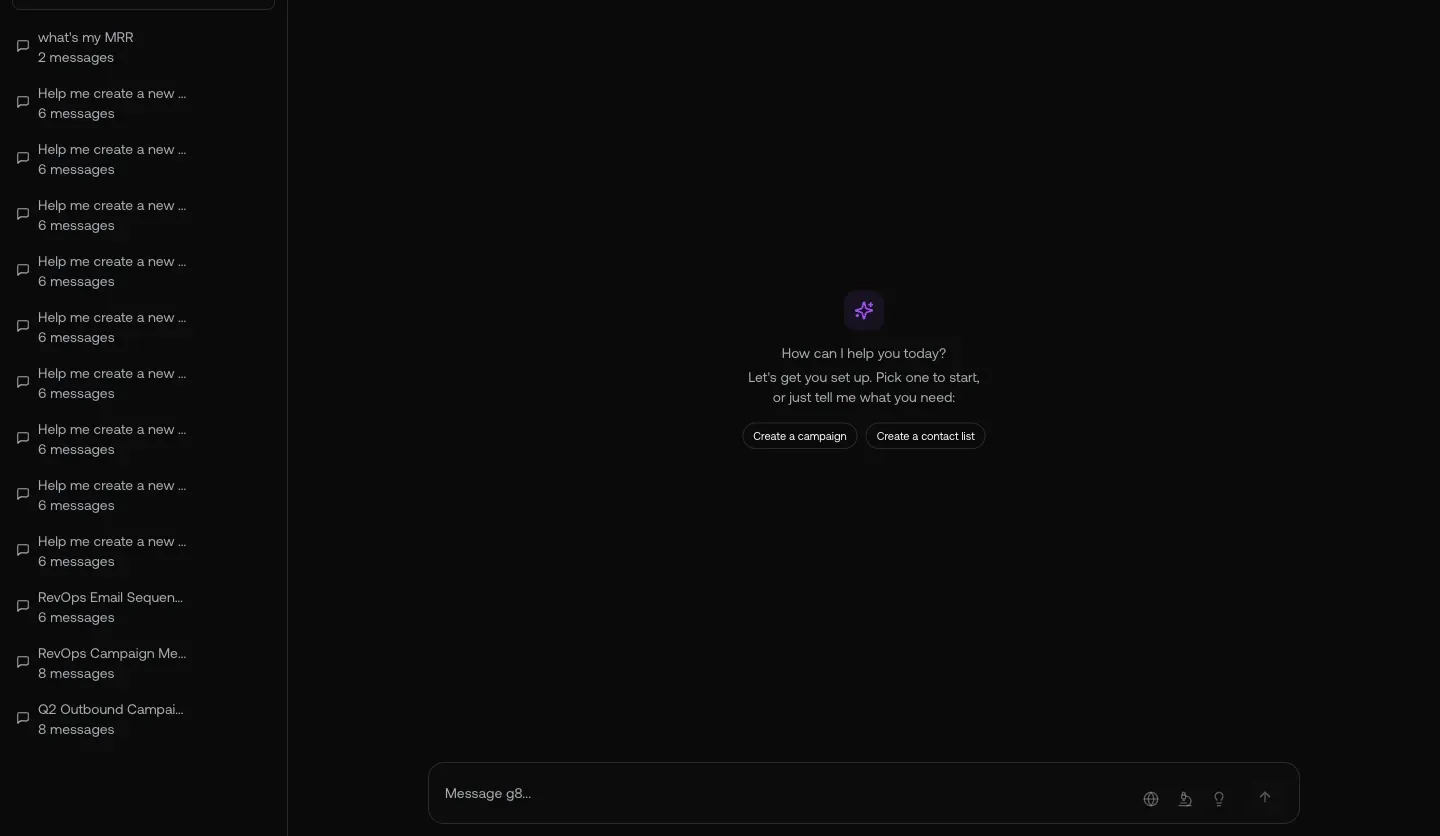
Fig 4.1 — The copilot doesn’t just list deals — it flags hygiene issues (missing close dates, overdue stage moves) and offers to drill in.
05. Don’t forget renewals — the customers list with Owner
If your AEs own renewals (most do), the customers list is your bird’s-eye on the post-sale book. your paying customers with your data status, Owner column.
Open it at
app.graph8.com/deals/l/customers— your paying customers (MRR + Owner)/deals/l/trials— trial accounts (about to convert or churn)/deals/l/churned— ex-customers (rescue / win-back candidates)
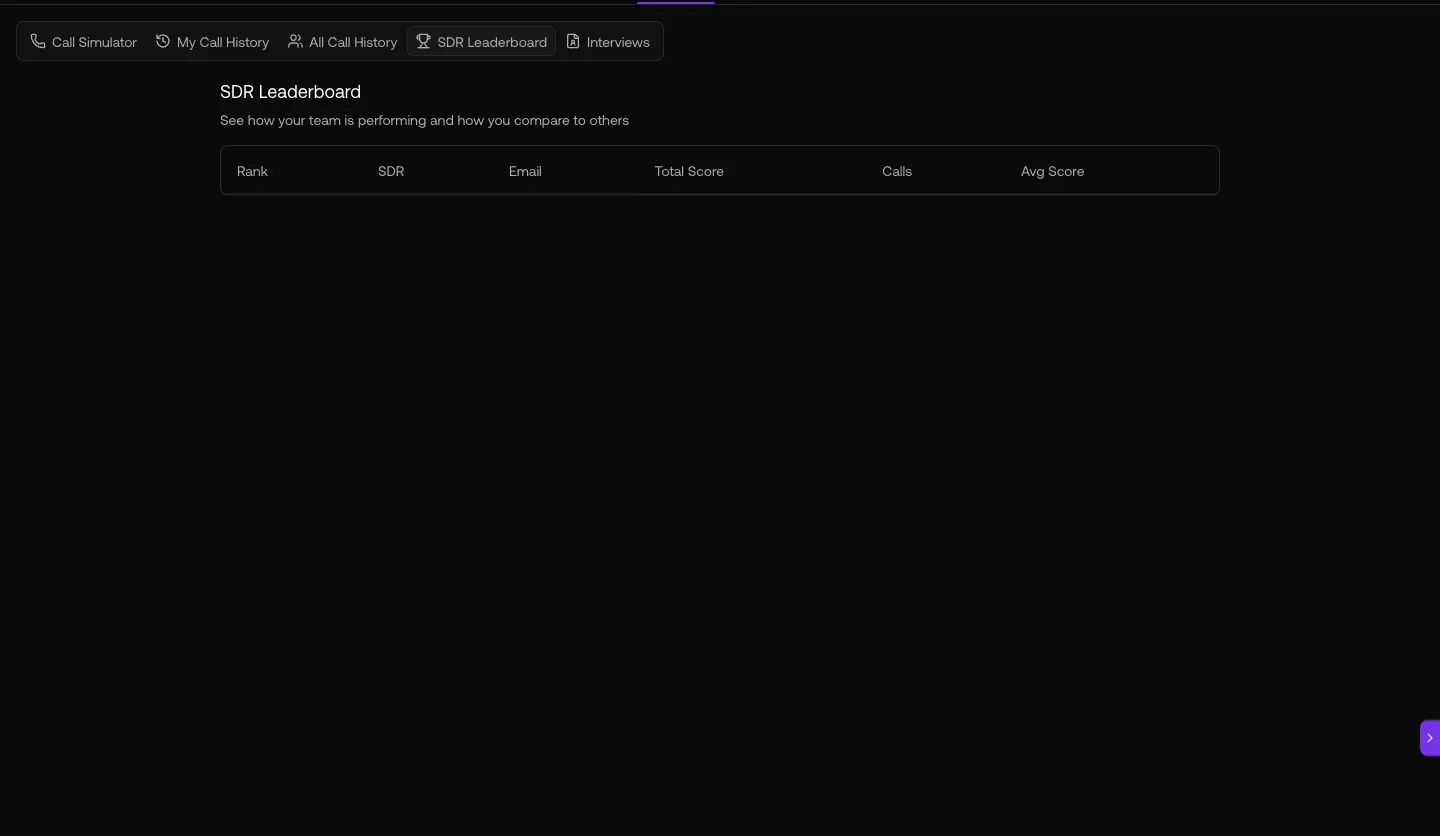
Fig 5.1 — /deals/l/customers. your customers. Filter Owner = a specific rep for 1:1 prep on their book. Sort by MRR desc to find the highest-stakes renewals first.
URL cheat-sheet
| To do this | Go here |
|---|---|
| Pipeline list with Owner column | /deals/pipeline |
| Pipeline kanban with $weighted per stage | /deals/pipeline · view toggle |
| Open a deal — read DEAL INTELLIGENCE | /deals/{deal-id} |
| Reports center (15+ sub-reports) | /reports |
| SDR Leaderboard | /reports → Calling & SDR Performance |
| Account Health Comparison | /reports → Cross-Account Drift |
| Idle / Stalled accounts | /reports → Cross-Account Drift |
| Meeting Pipeline | /reports → Pipeline & Inbound |
| Customers (renewal book) | /deals/l/customers |
| Trial accounts | /deals/l/trials |
| Churned accounts | /deals/l/churned |
| Open Copilot anywhere | Sparkle · top-right |
| Search the CRM | Cmd-K |
Heads-up — known Sales Manager gaps + workarounds
Generated 2026-05-20 against
app.graph8.com (org your org). Surface state verified live before publication