Opening the Marketplace
Esta página aún no está disponible en tu idioma.
Clients open the Marketplace from the Marketplace icon in the top navigation. It’s where you browse vetted talent, send hire offers, and manage everyone you’ve hired — all in one place.
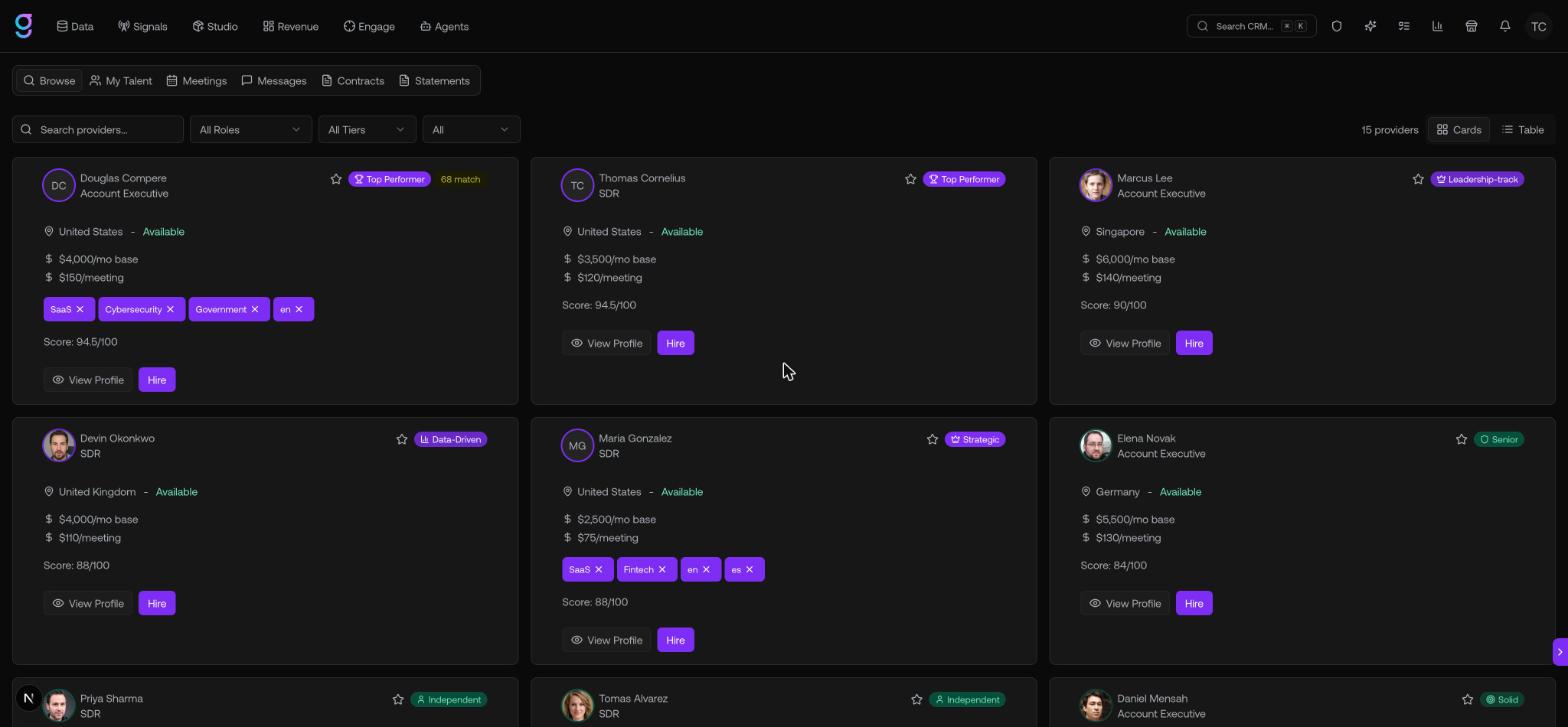
The six tabs
The Marketplace is organized into six tabs across the top:
| Tab | What it’s for |
|---|---|
| Browse | Search and filter the full talent catalog, then view profiles and send offers |
| My Talent | The talent you’ve actively hired — message them, manage list access, or end a contract |
| Meetings | Meetings your hired talent have booked |
| Messages | Your message threads with talent |
| Contracts | Every offer you’ve sent, grouped by status |
| Statements | Billing — review and pay the service statements talent submit |
Who it’s for
The Marketplace is for any team that wants to add outbound capacity without recruiting and onboarding in-house. You hire pre-vetted SDRs, Account Executives, and GTM Engineers on flexible terms and pay based on the rates you agree on.